New work has no shared front door
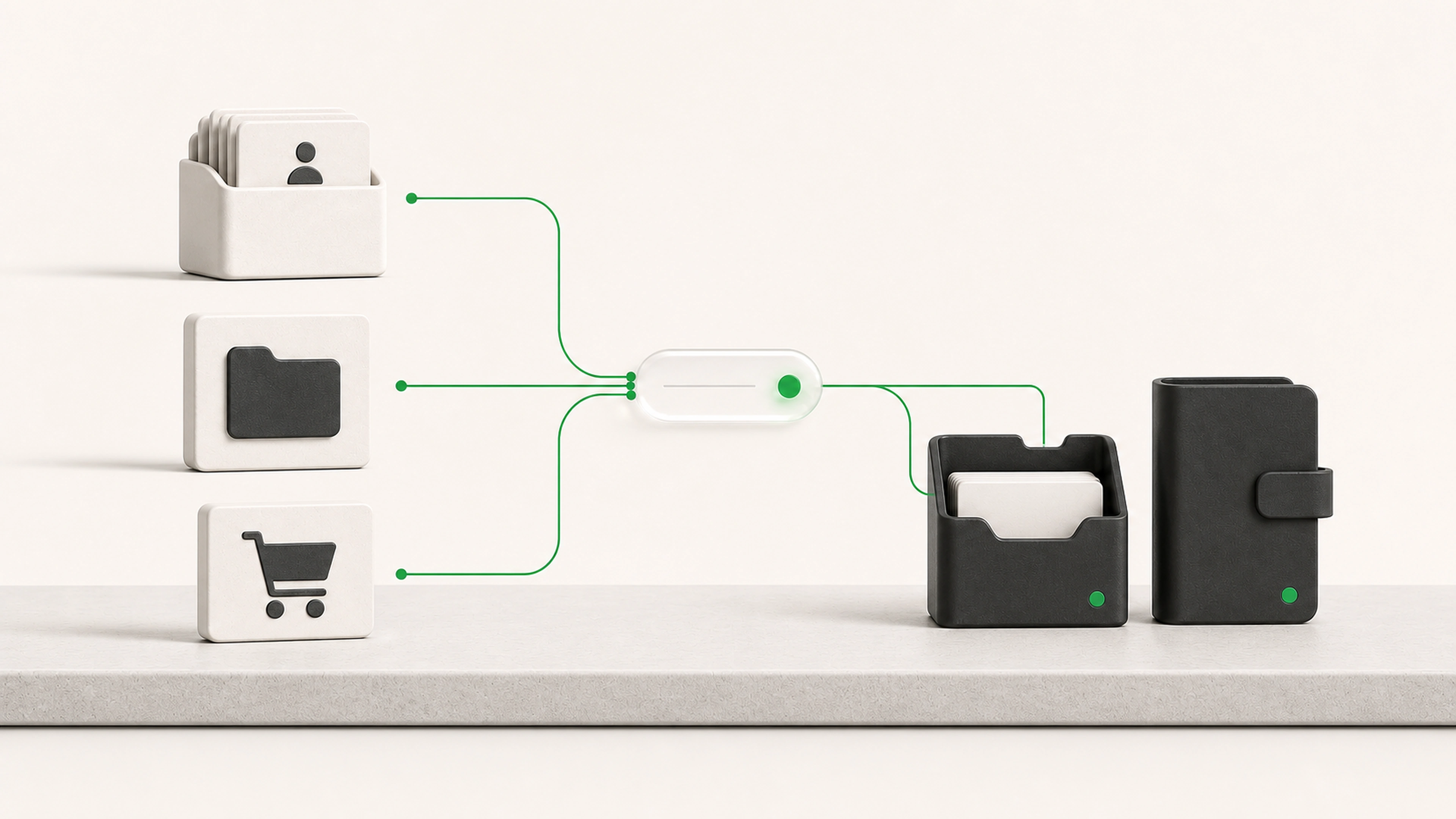
Requests arrive through several channels and begin with different information each time.
We build internal software around the process your business actually uses, from the first request through assignment, preparation, review, approval, follow-up, and completion.
General business example loaded.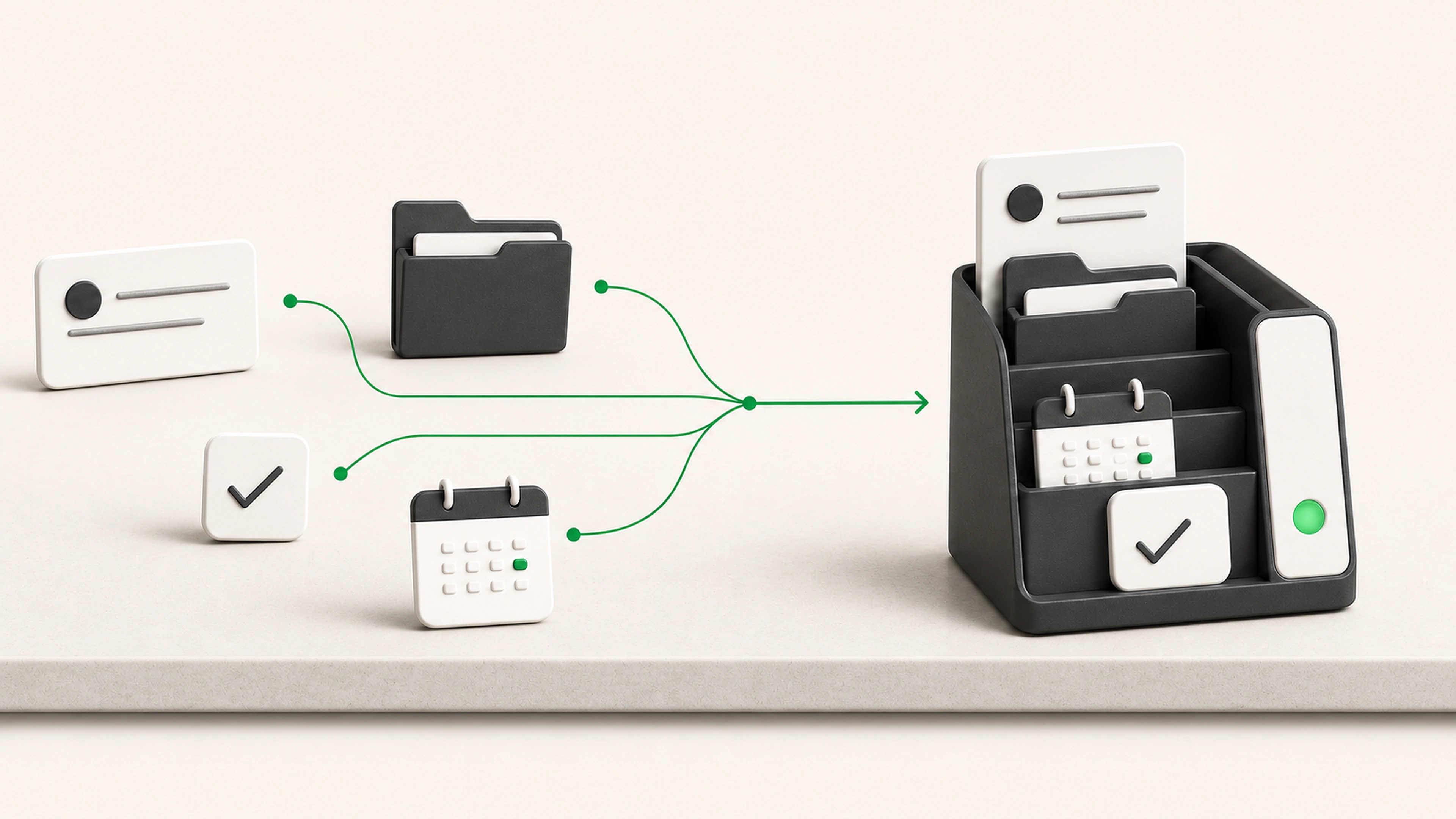
The business may have good tools and capable staff while the complete workflow still lives across inboxes, spreadsheets, messages, documents, and repeated coordination.
Requests arrive through several channels and begin with different information each time.
People know their own task but cannot see the current state of the complete request.
Files, notes, decisions, and next actions separate as the work moves between people and tools.
Bring requests, documents, owners, status, decisions, and next actions into a shared operational view.
Make it obvious who has the work, what they need to do, and what is blocking the next step.
Rules, files, decisions, and prior activity remain connected instead of depending on individual memory.
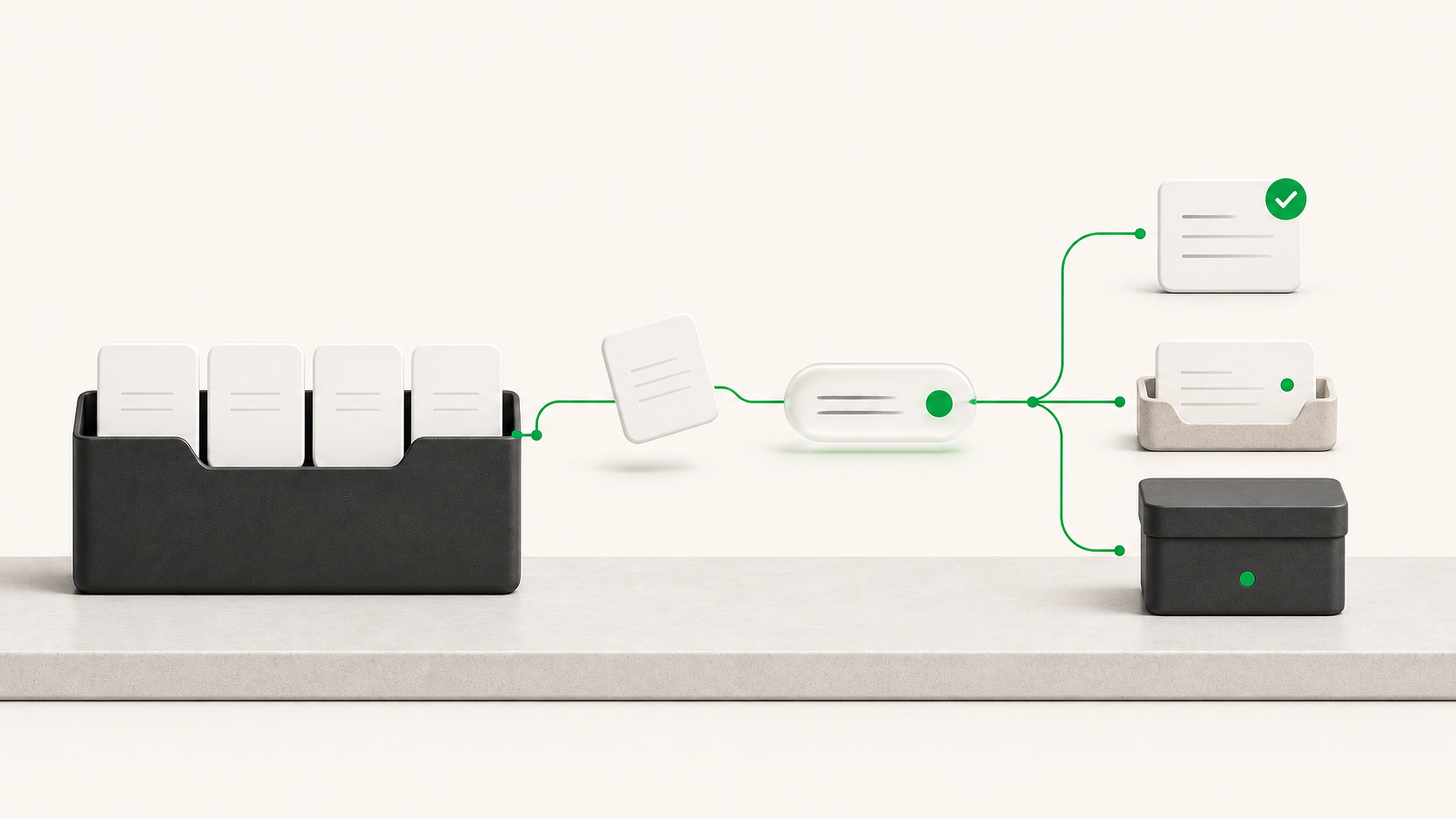
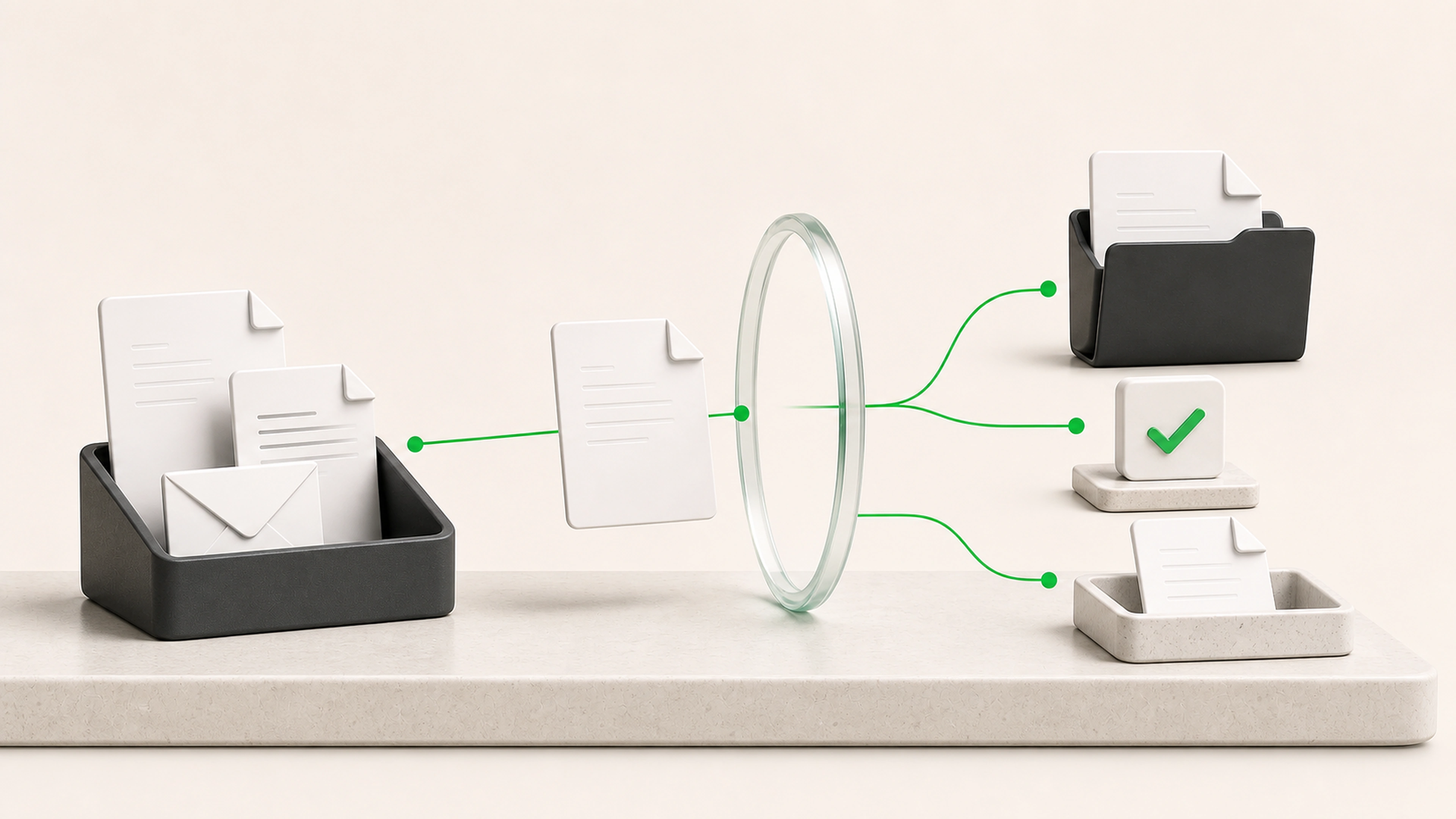
A request enters once, moves through the right owners and approvals, and keeps its files, decisions, and status in one place.
Work enters through a form, email, connected system, staff entry, or another approved source.
Required details, attachments, permissions, duplicates, and basic eligibility rules are checked early.
The request is routed by service, location, account, skill, availability, priority, or another useful rule.
The system gathers context, creates a checklist, prepares a document, or asks for missing information.
People see the request, supporting evidence, prepared work, and decision options together.
The workflow updates a system, sends an approved message, creates a task, or moves into the next stage.
Teams can see what is new, in progress, waiting, blocked, approved, and complete.
The system handles predictable routing, reminders, and status changes. People retain control of approvals, sensitive actions, and customer commitments.
Roles determine who can view, edit, approve, or complete each stage.
Important decisions retain the supporting information and reviewer.
Sensitive actions can require one or more approvals.
Unusual cases can leave the standard path without losing their history.
Every request retains a clear activity trail.
Structured intake forms and shared request queues
Automatic checks for required information
Assignment and routing rules
Staff workspaces organized by role
Due dates, reminders, and escalation paths
Document generation and review
Approval steps and decision history
AI-assisted summaries, drafts, and data preparation
Searchable request and activity history
Connections to email, CRM, storage, and databases
New work arrives with the information needed to begin instead of spreading across inboxes and spreadsheets.
The current state, responsibility, and blocker are visible without asking around.
The system moves predictable work while people focus on decisions and exceptions.
Files, notes, decisions, and activity history remain connected through each handoff.
We follow real work across people, systems, documents, decisions, and informal workarounds.
We agree on how work enters, the stages it moves through, who owns each stage, and what completion means.
We build an end-to-end path that produces a real result without replacing every tool at once.
Staff use the system with representative cases while we refine screens, rules, and exception paths.
The first workflow goes live with support, then expands when the next improvement is clear.
Tell us how work enters, where it waits, who has to chase it, and what a finished result looks like. We will map the handoffs, identify the delays and duplicate work, and show what the first complete system should cover.