The same detail is entered more than once
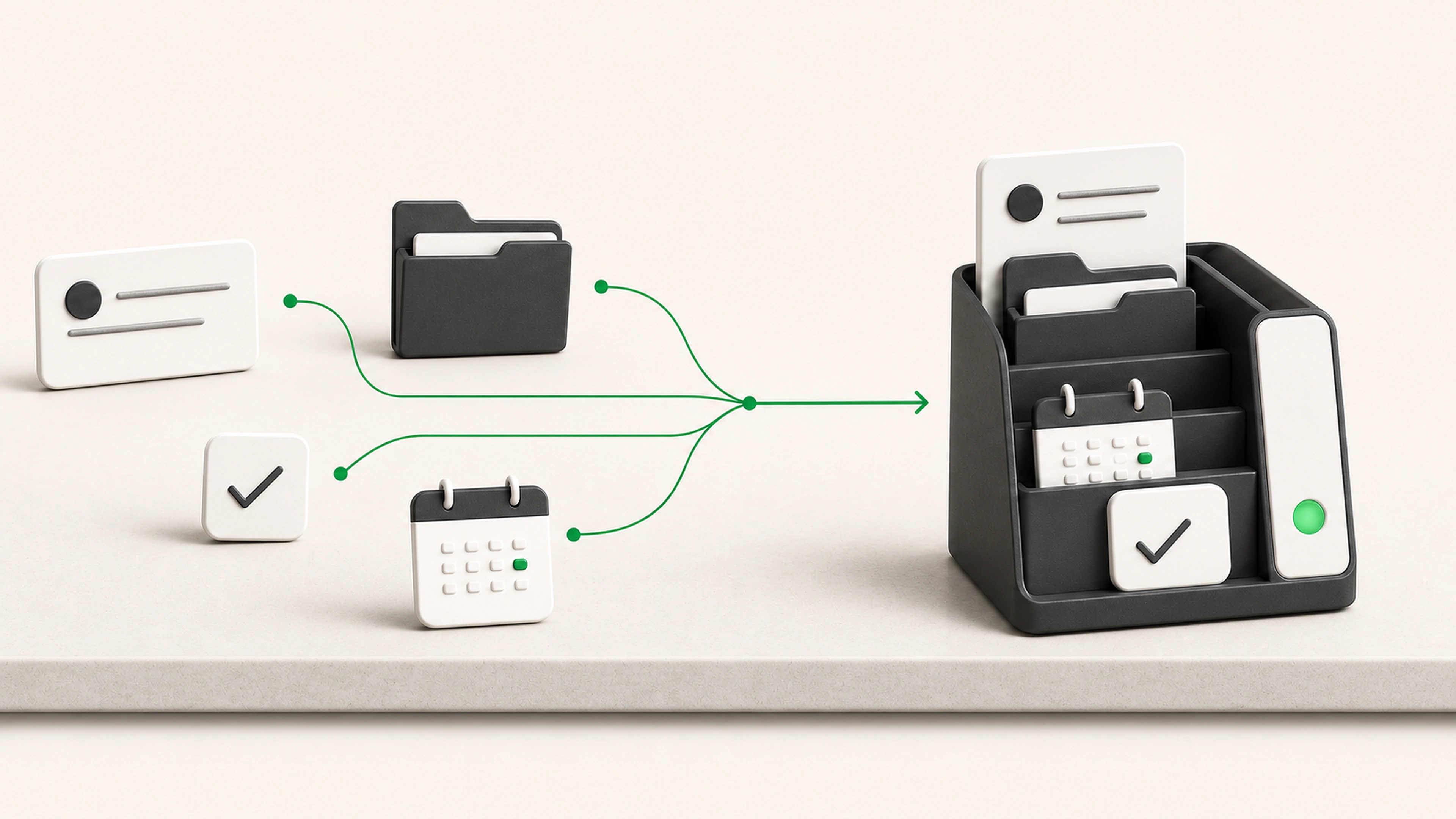
A customer, request, or status change is copied into each tool that needs to know about it.
We connect forms, email, CRMs, document storage, spreadsheets, databases, and internal tools so updates move once, arrive in the right format, and fail visibly.
General business example loaded.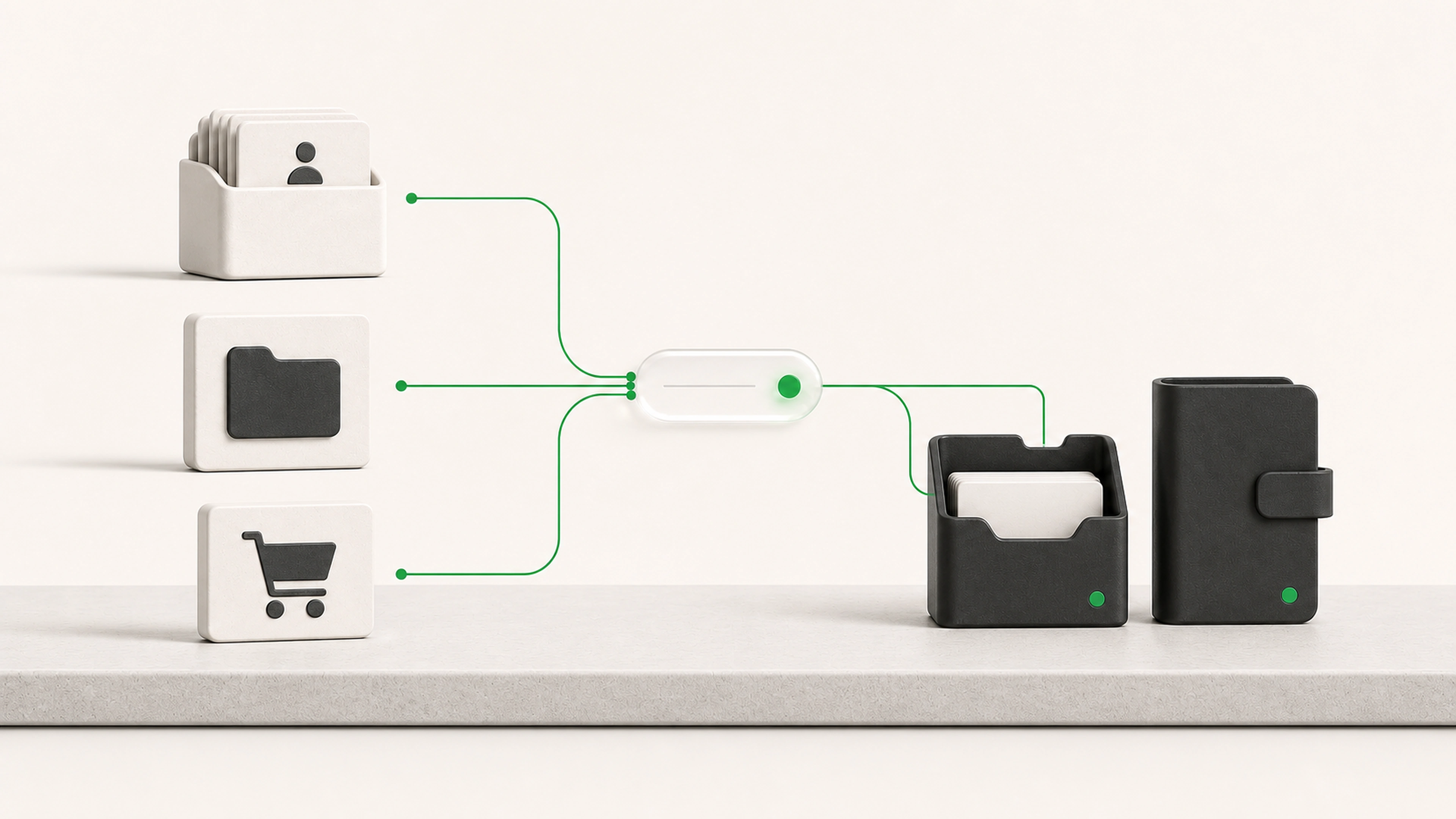
A business can have capable software in every department while records, files, and status still move between them through copying, exports, inboxes, and manual checks.
A customer, request, or status change is copied into each tool that needs to know about it.
Important fields change in several places without a defined owner or update direction.
A rejected update or unavailable service leaves no clear queue for recovery.
Define which system owns each type of information and where updates should begin.
Move approved records, files, and status changes without asking people to enter the same information again.
Queue mismatches, rejected updates, and unavailable systems for review instead of losing work silently.
A reliable integration does more than connect two APIs. It defines ownership, mapping, validation, recovery, and review.
The workflow defines where each customer, request, document, status, or other record is owned.
A new submission, approved change, uploaded file, scheduled check, or other agreed event begins the integration.
Fields, names, dates, categories, identifiers, and file formats are mapped into the destination structure.
The system checks identifiers and matching rules before creating or changing a record.
Required fields, permissions, duplicates, and business rules are checked before the update continues.
The approved change is sent to the destination and the result is confirmed.
Temporary failures can retry safely. Conflicts and rejected updates enter a queue with the context needed to fix them.
We decide what information can move, which system can change it, and what should happen when systems disagree. Important actions remain reviewable and recoverable.
Each data type has an agreed source of truth.
Integrations receive only the access they need.
Sensitive changes can require approval.
Duplicate and uncertain matches are held for review.
Failed actions retain the original request and error details.
API and webhook connections
Scheduled synchronization
Controlled spreadsheet and file imports
Email-triggered workflows where appropriate
Field mapping and format normalization
Record matching and duplicate checks
One-way or carefully defined two-way synchronization
Validation before records are changed
Retry handling and error queues
Activity logs for automated and reviewed changes
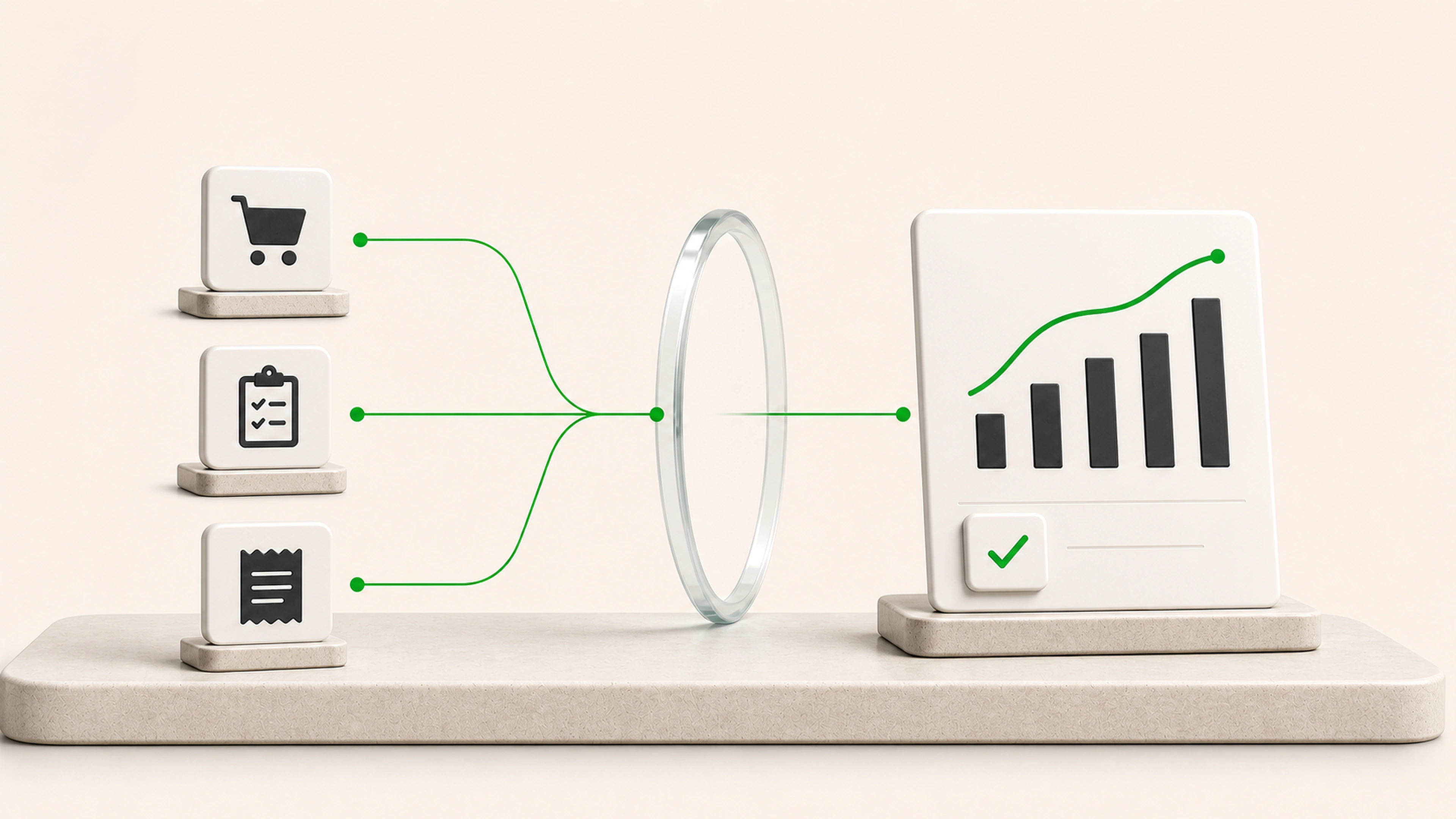
A trusted update travels from its source to the systems that need it without repeat entry.
Each data type has a defined source and update direction instead of competing versions.
Errors appear with the record, attempted action, and reason they failed.
Each connection starts with a defined trigger, destination, validation rule, and owner.
We trace where a record begins, who changes it, where it is copied, and which system the team trusts.
We review APIs, webhooks, exports, permissions, rate limits, and data structures.
We agree on source systems, destination fields, matching rules, validation, and failure handling.
The integration handles a real business event from trigger through confirmation and exception review.
We watch for changed fields, unavailable services, new record patterns, and business-rule changes.
Tell us which tools your team uses, where the trusted information lives, and what has to move between them. We will trace one important update from source to destination, then define its mapping, checks, confirmation, and recovery path.