Updates wait until there is time
People finish the customer work first, then record it later, if the day leaves room.
We connect email, forms, call notes, calendars, and internal tools to your CRM, then prepare or apply the updates your team needs. Clear rules, review queues, and activity history keep people in control.
General business example loaded.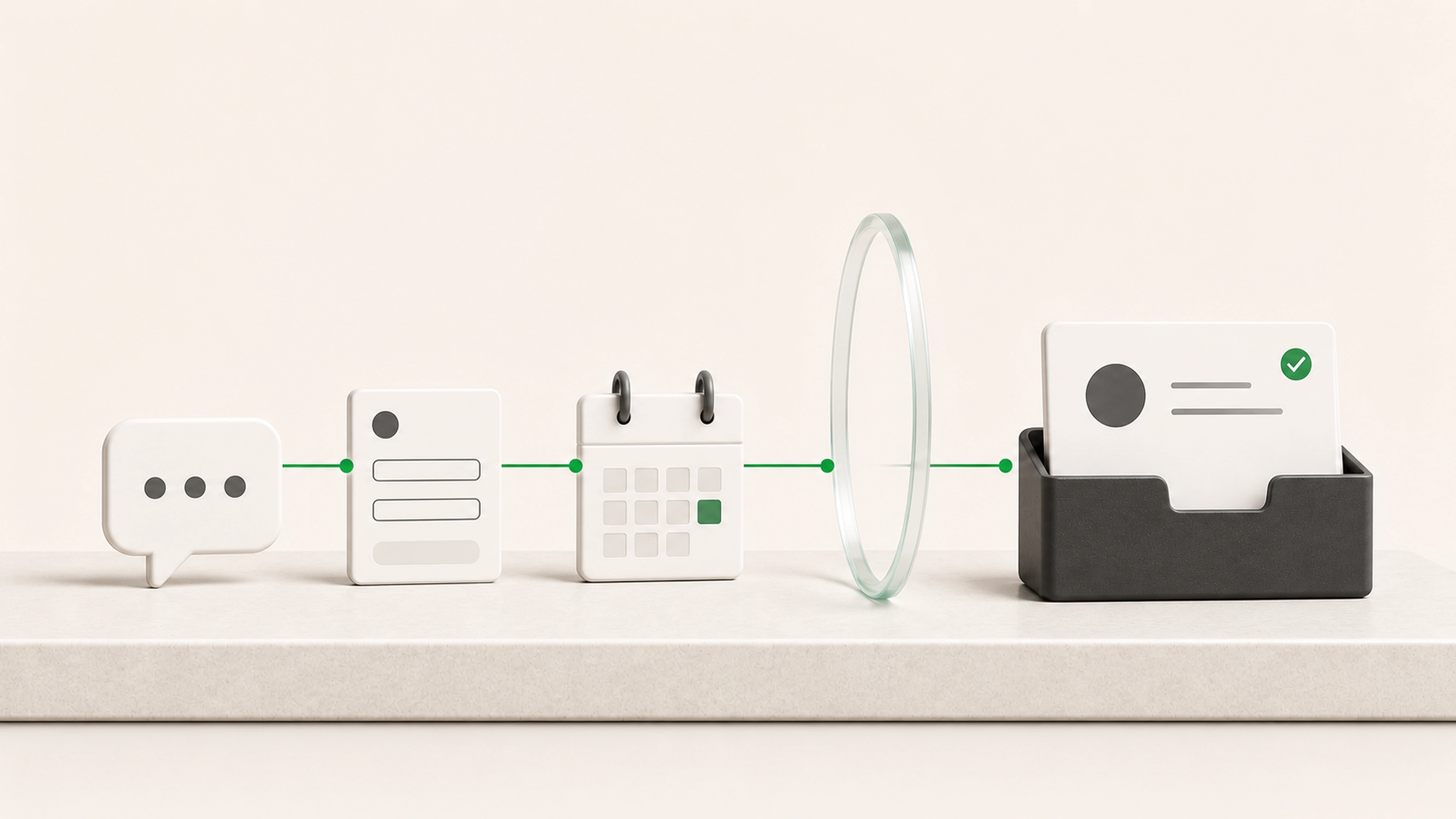
A CRM becomes unreliable when the work happens in email, calls, forms, calendars, and personal notes, then depends on someone remembering to reconstruct it later.
People finish the customer work first, then record it later, if the day leaves room.
Tasks and reminders are created without the conversation, request, or decision that made them necessary.
Duplicate records, missing owners, and stale stages remain hidden until someone needs the CRM to be accurate.
Bring customer activity, notes, status changes, and next steps into the CRM while the context is still useful.
Prepare reminders, tasks, and reply drafts from what happened, not from a disconnected calendar.
Send uncertain matches, missing information, and sensitive changes to a clear review queue instead of silently guessing.
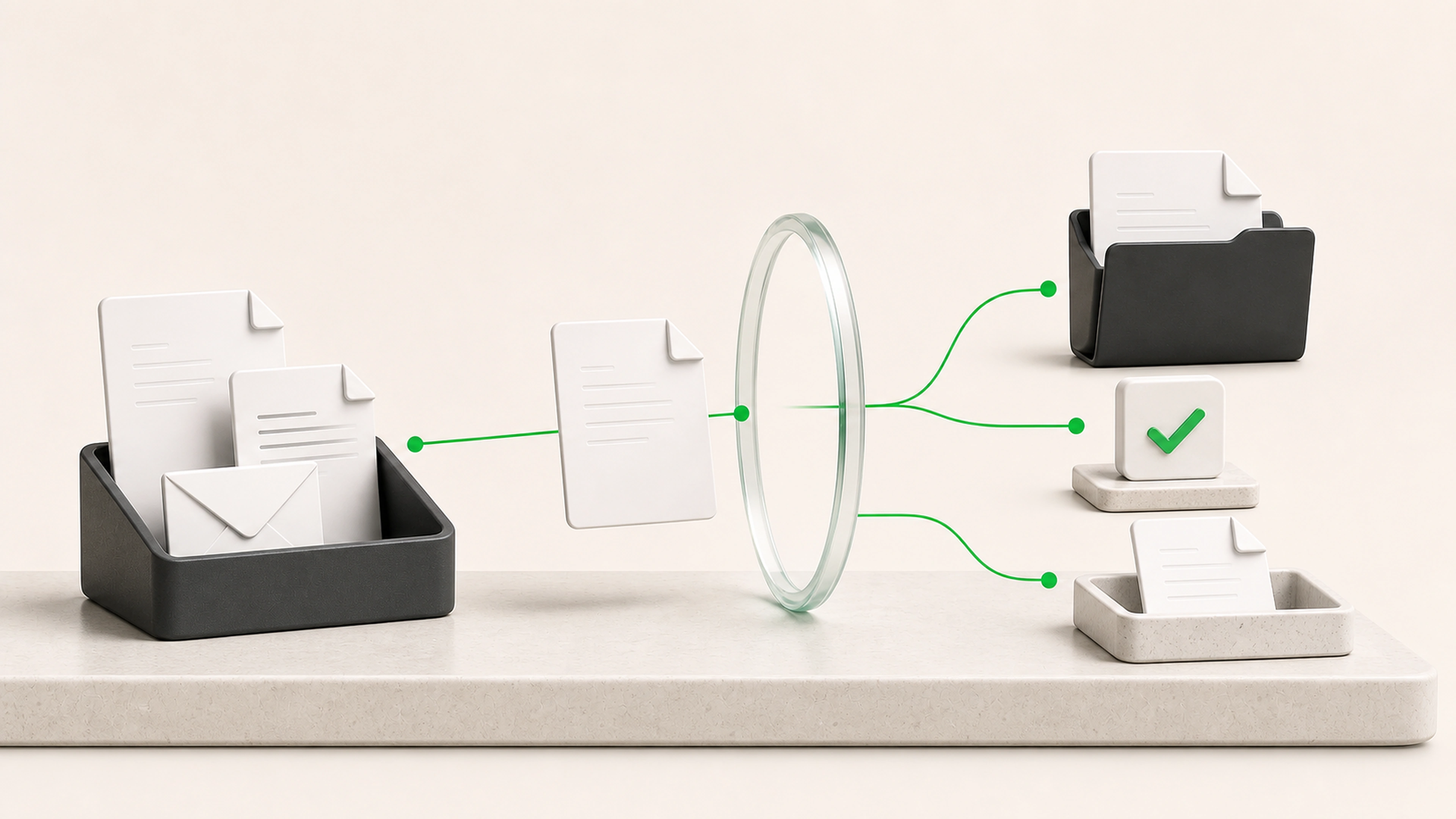
A customer email, meeting note, or form submission is matched to the right record, checked, and turned into an update and next action.
A form submission, email, meeting note, call summary, support request, or internal update enters the workflow.
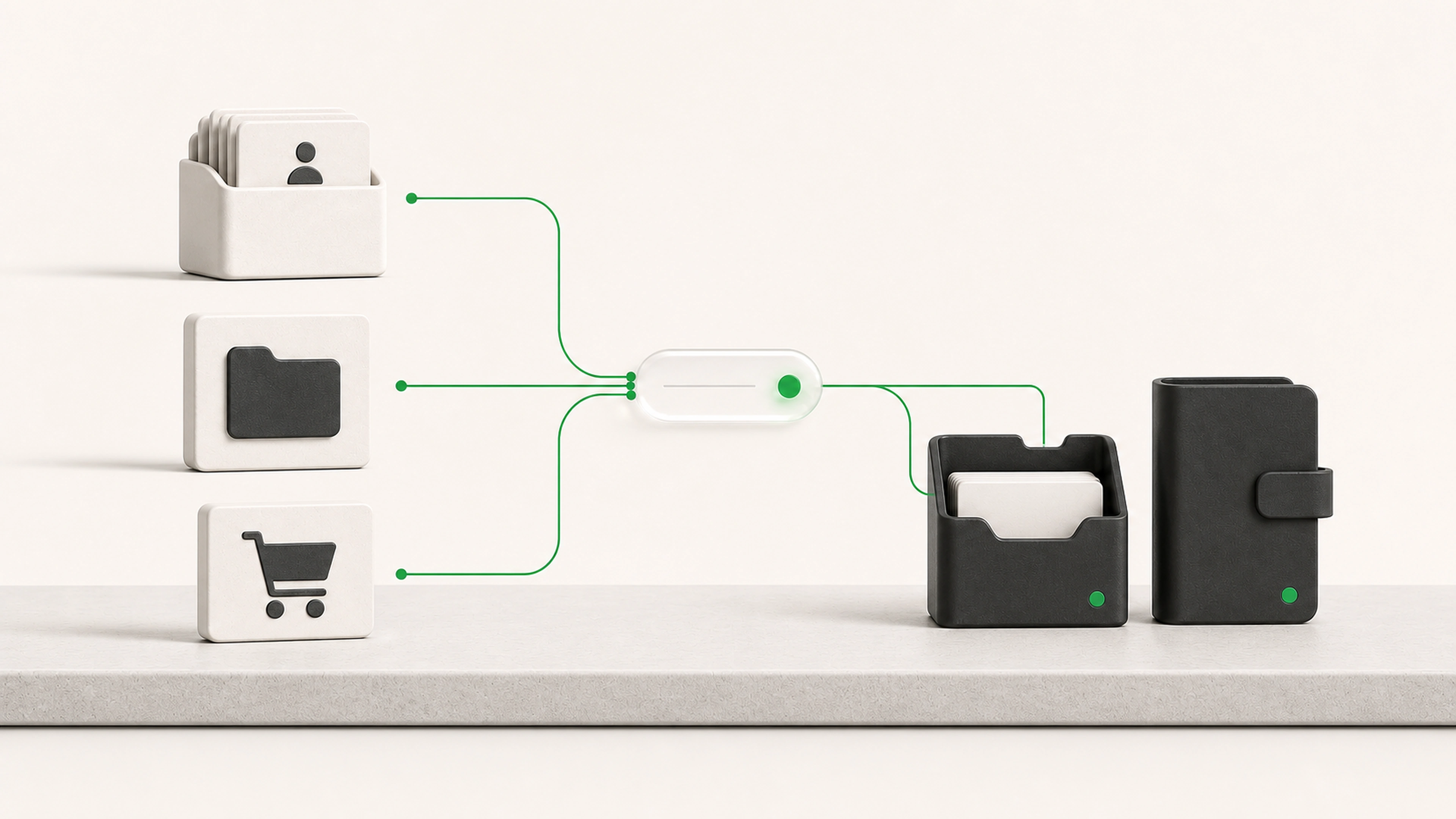
The system uses names, email addresses, company details, open opportunities, and other approved identifiers to find the likely record.
Relevant information is prepared for fields such as customer need, service requested, last activity, next step, owner, or status.
Required fields, duplicates, ownership rules, and allowed status changes are checked before anything is written.
Ambiguous matches, conflicting information, and important changes are held for a person to confirm.
Approved information is added to the correct record with its source context and activity history.
The workflow can create a task, set a reminder, route the account, or prepare a follow-up draft.
CRM automation should make customer work easier to follow, not make decisions your team never approved. We define which updates can happen automatically, which require review, and which should always stay with a person.
Ambiguous record matches go to review.
Customer-facing messages can remain drafts until approved.
Sensitive fields and important status changes can require confirmation.
Every automated update retains its source and processing history.
Permissions can follow the roles your team already uses.
Match incoming activity to contacts, companies, and opportunities
Prepare new records from forms, emails, or approved data sources
Clean and normalize names, phone numbers, addresses, and field formats
Flag likely duplicates before creating another record
Turn call notes and meeting notes into structured CRM activity
Prepare status, ownership, and next-step updates
Create follow-up tasks and reminder queues
Surface records with missing or conflicting information
Keep an audit trail of automated and human-reviewed changes
Email, forms, meetings, and internal notes stay connected to the right customer.
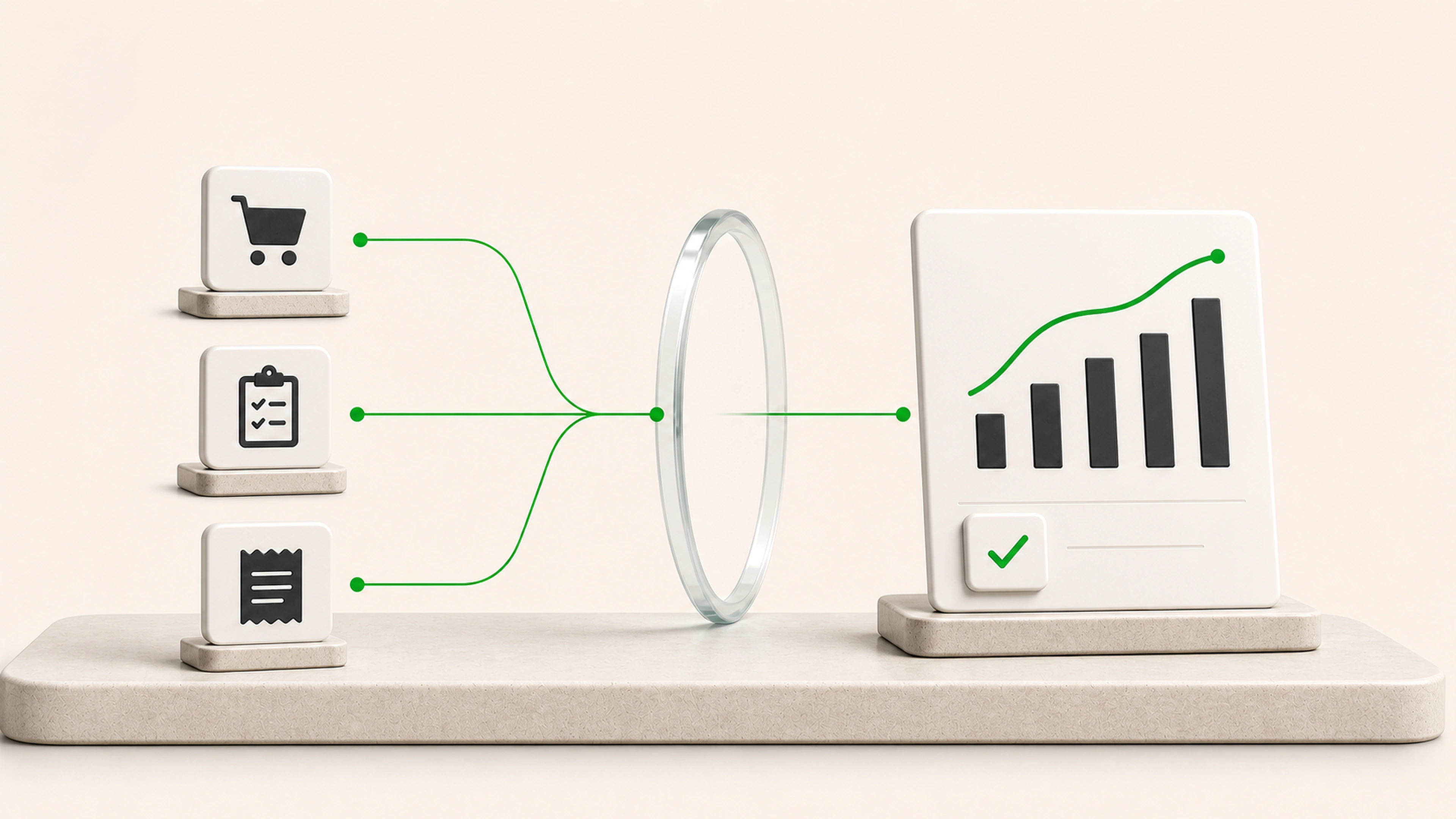
Record updates are prepared while the context is available, not reconstructed at the end of the week.
Next actions appear in a clear queue with ownership and the information needed to act.
Duplicates, missing fields, and uncertain matches are held for a person instead of hidden.
We follow a customer update from the moment it happens through the CRM and the next action.
We identify the records, fields, stages, ownership rules, and activities your team relies on.
We begin with one repeatable workflow, such as lead intake, meeting follow-up, account updates, or request logging.
The system prepares updates without changing live records until the team is comfortable with the results.
Approved actions move into production, uncertain cases stay visible, and the workflow improves as real exceptions appear.
Tell us how customer information arrives, who updates it, and what gets missed when the team is busy. We will map the handoffs and show where updates or follow-up can be prepared, reviewed, or automated.