Every item starts with manual inspection
The team opens messages and attachments simply to learn what kind of work has arrived.
We build workflows that read messages and files, pull out the details your team needs, check what is missing, and send each item to the right person or next step.
General business example loaded.
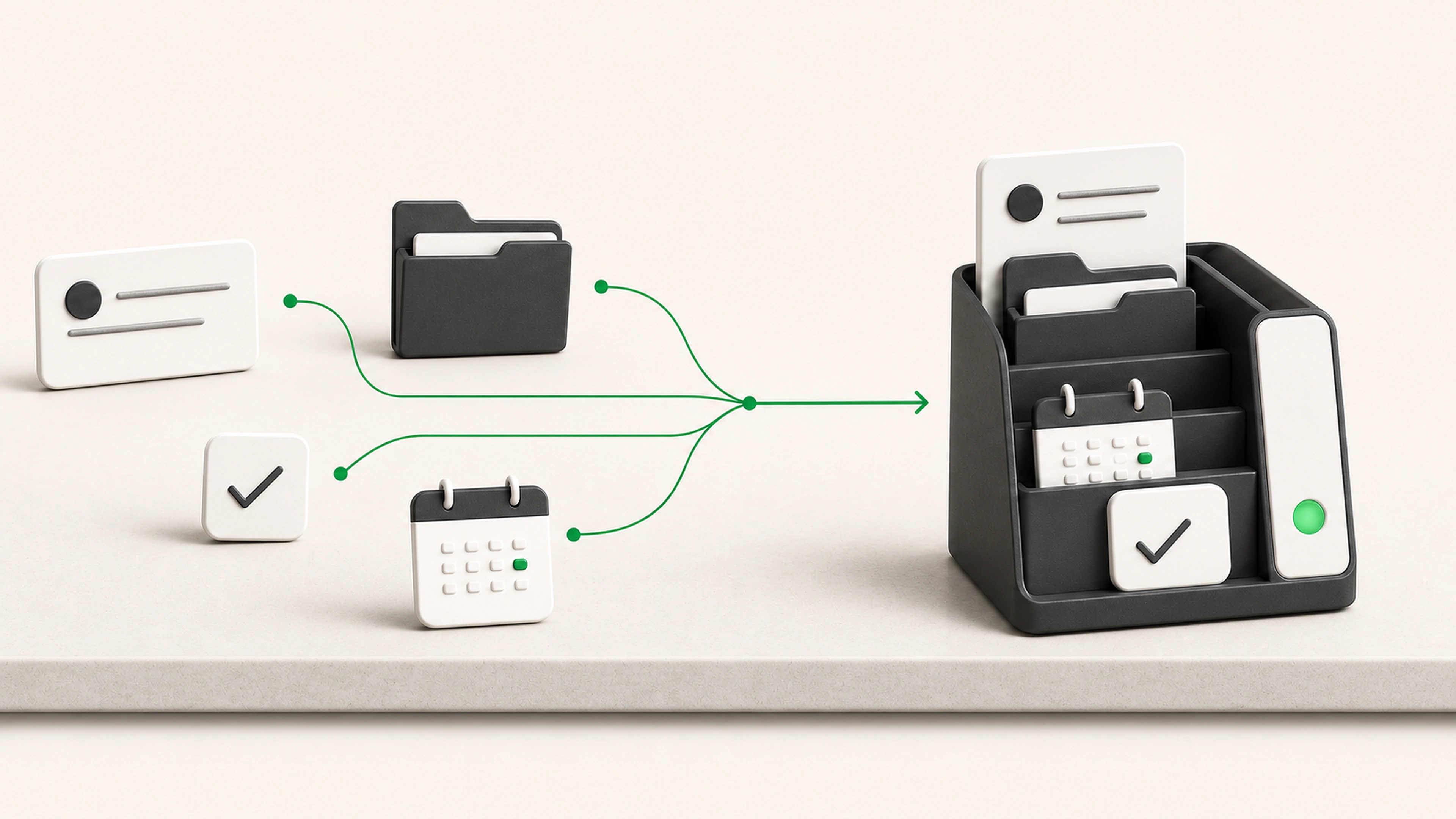
Messages and files arrive in one place, but the real work begins only after someone opens each item, understands it, finds the missing details, and decides where it belongs.
The team opens messages and attachments simply to learn what kind of work has arrived.
A request can move several steps before anyone notices that a required detail or page is absent.
Files move into folders while status, ownership, and follow-up live somewhere else.
Apply the same intake checks to every message and file before it reaches the team.
Give the next person the document, extracted details, missing information, and recommended action together.
Separate routine work from the cases that genuinely need judgment.
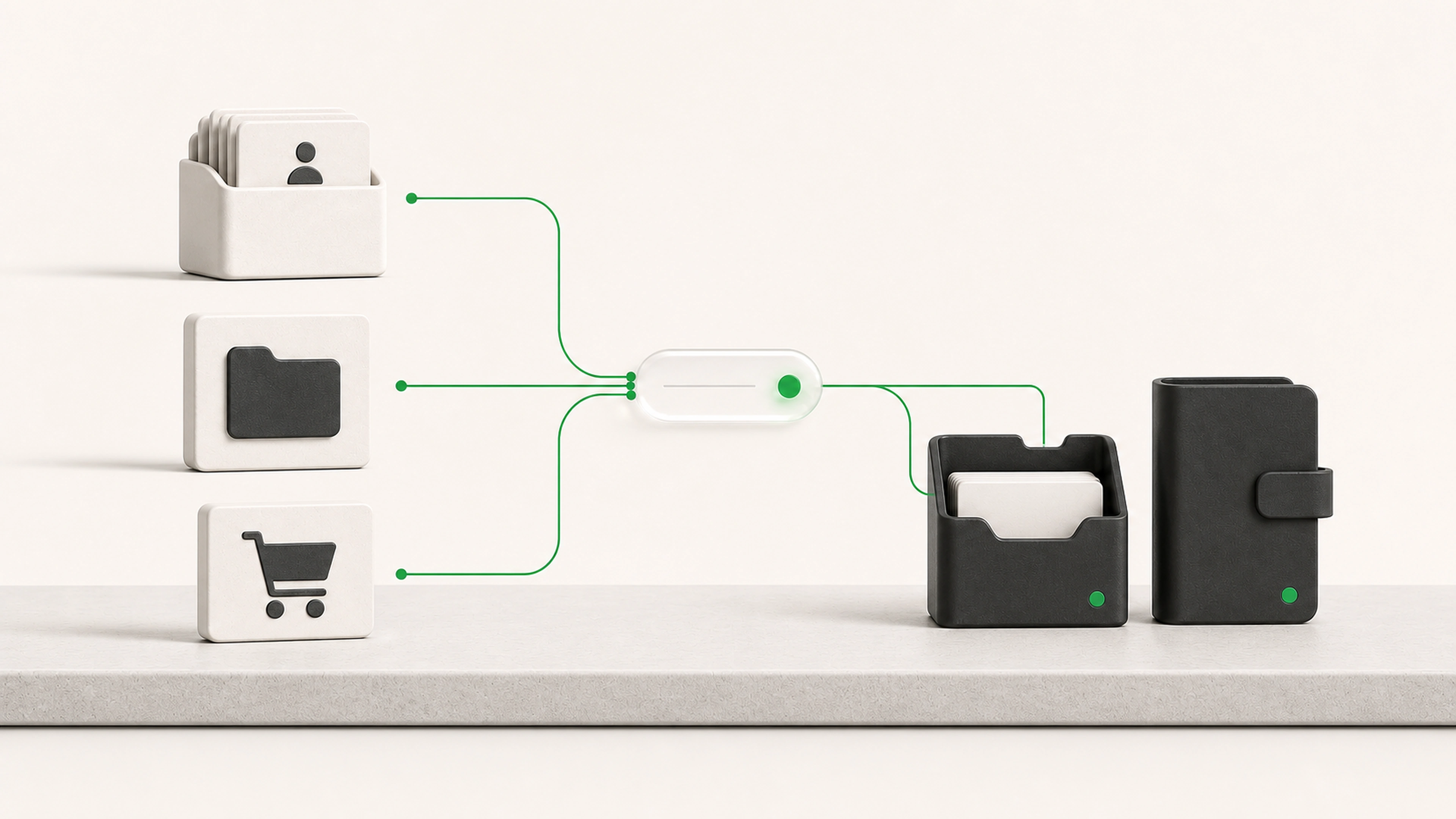
A message arrives, the right details are extracted and checked, and the item is routed with its original source attached.
The workflow receives an email, form, PDF, image, spreadsheet, or other approved input.
The item is classified by request type, document family, sender, account, project, or another useful category.
The system prepares names, dates, references, requested services, amounts, addresses, line items, and other defined fields.
Required information is compared with your business rules and, where appropriate, existing records.
Complete items continue. Missing details, uncertain readings, unusual requests, and sensitive cases enter review.
The workflow can suggest a reply, request missing information, create a task, organize a file, or route the work.
The final status, reviewer decision, source file, and next action remain together for later review.
Reading a document is not the same as deciding what it means for the business. We separate extraction and preparation from approvals, commitments, and sensitive decisions.
Low-confidence fields are clearly marked for review.
Important values can be checked against the original page.
Replies can remain drafts until a person approves them.
Missing information follows an agreed path.
Sensitive request types can always be routed directly to a person.
Sort shared inbox messages by request type and priority
Classify common document families
Extract defined fields from PDFs, scans, images, and attachments
Check submissions for required information
Compare extracted details with approved records
Detect likely duplicates and repeated requests
Rename and organize files using consistent rules
Prepare replies and missing-information requests
Route work by customer, location, service, project, or responsibility
Record decisions, sources, and processing history
Messages and documents include a category, useful details, and a suggested destination.
Required fields are checked before the request moves deeper into the workflow.
The original file, extracted information, status, and owner stay together.
Straightforward items move forward while uncertain or sensitive cases enter review.
We follow representative items from arrival through review, reply, storage, and the next system.
We agree on what each type contains, which fields matter, and what makes an item complete.
We start with a frequent request or document type and connect it to a useful next action.
The workflow is checked against ordinary files, poor scans, missing pages, and unusual wording.
Routine items follow the approved path. Anything uncertain stays visible and reviewable.
Bring the emails, forms, files, and attachments your team handles repeatedly. We will trace how they move today and show where sorting, extraction, checks, and routing can happen automatically.