People copy what systems should exchange
The same customer, request, order, or project details are entered into several tools by hand.
We build reviewed workflows that collect information, clean its format, match the right records, and update the systems your team relies on. Uncertain or incomplete items stay visible instead of becoming silent data problems.
General business example loaded.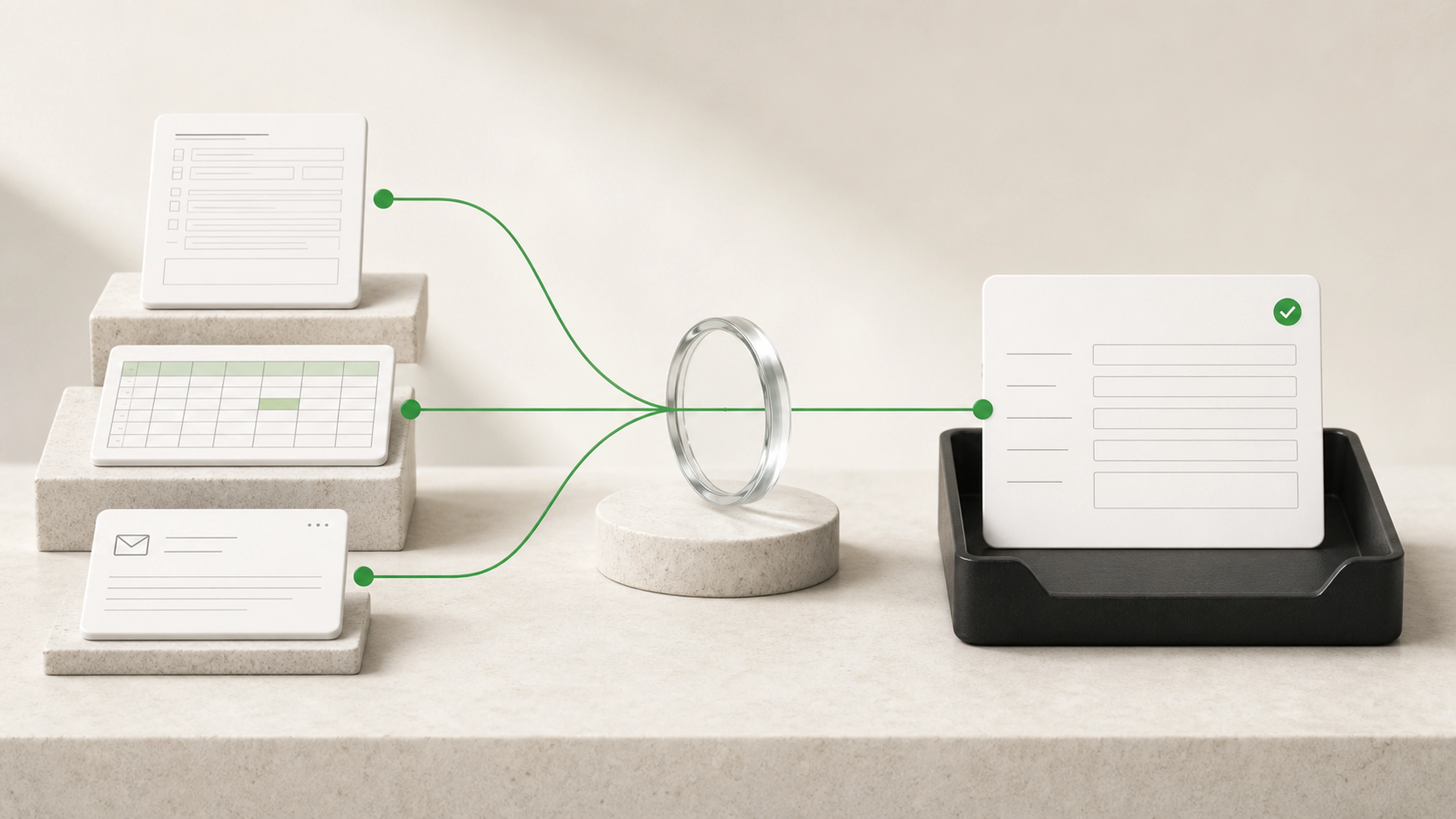
Data entry often looks simple until inconsistent formats, duplicate records, missing fields, and unclear matches turn each update into a small investigation.
The same customer, request, order, or project details are entered into several tools by hand.
Names, dates, addresses, categories, and identifiers arrive in different formats and gradually weaken the records.
When a field looks wrong later, the original source and reason for the change are often missing.
Move information from forms, files, emails, and connected systems without asking staff to type the same details again.
Apply the same formatting rules, record matching, duplicate checks, and required-field checks to every item.
Send missing information, uncertain matches, and conflicting values to a focused queue with the source attached.
Each item follows a controlled path from its original source through extraction, checks, matching, review, and the final update.
A form, spreadsheet, email, document, export, or connected system provides the information.
The workflow prepares the names, dates, references, quantities, categories, and other details the destination needs.
Phone numbers, addresses, dates, currency, capitalization, and approved categories are made consistent.
Identifiers and matching rules are used to locate the correct customer, order, project, or other business record.
Required fields, allowed values, duplicates, conflicts, and business rules are checked before an update is prepared.
Missing details, weak matches, and important conflicts enter a queue with the original source and likely options.
Approved information is added to the destination with its source, processing result, and review history.
The workflow can process clear, low-risk records automatically while holding important or ambiguous changes for the right person.
Low-confidence extraction is marked for review.
Duplicate and uncertain record matches are held before writing.
Sensitive or high-impact fields can always require approval.
Each change can retain a link to its original source.
Failed imports and rejected updates remain visible for recovery.
Extract defined fields from forms, emails, documents, and spreadsheets
Normalize names, dates, addresses, phone numbers, and currencies
Match incoming information to existing business records
Check required fields and allowed values
Flag likely duplicate records
Compare conflicting values across approved sources
Enrich records with information from trusted systems
Prepare structured imports for existing software
Create or update approved records automatically
Keep exception queues and a history of every change
Information is captured once and prepared for every approved destination that needs it.
The same rules are applied to common fields regardless of who submitted the source.
Missing values, duplicates, and uncertain matches are visible before they weaken the record.
The source, checks, reviewer decision, and final result remain connected.
We trace representative records from their original source through cleanup, matching, and the final destination.
We agree on required information, accepted formats, source systems, matching rules, and review conditions.
The first version handles a useful record type from intake through a confirmed update.
We check clean records, incomplete submissions, duplicates, formatting variation, and ambiguous matches.
Clear records move forward while uncertain cases remain easy for staff to inspect and resolve.
Bring a few real examples, the system they come from, and the system they need to reach. We will map the cleanup, matching, checks, and review needed for a reliable first workflow.