Staff assemble their own workspace
People keep personal spreadsheets, bookmarks, notes, and message threads just to see what needs attention.
We build focused internal tools around the workflow your staff actually uses. Requests, records, files, owners, status, decisions, and next actions become easier to see and manage without replacing every existing system.
General business example loaded.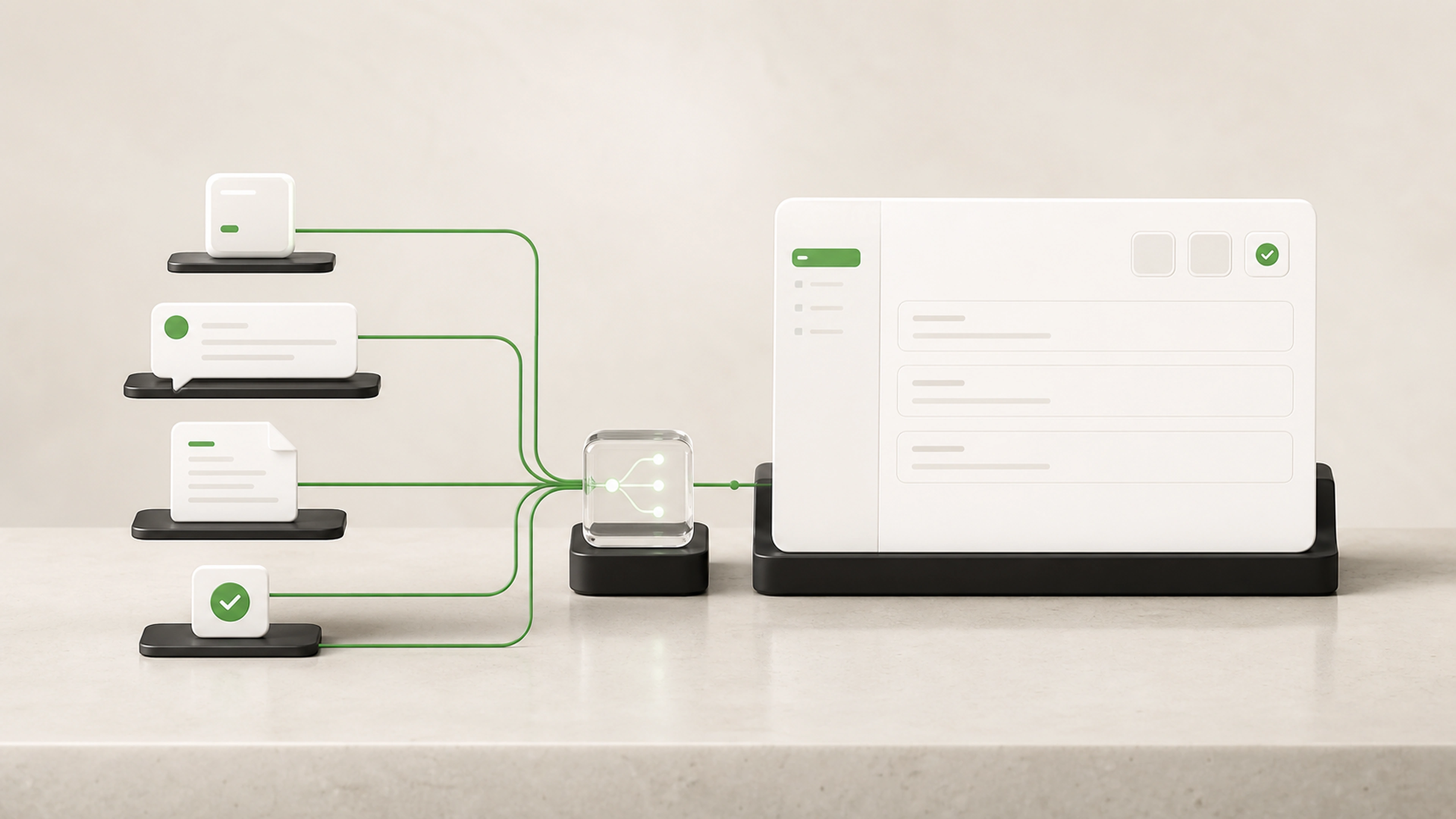
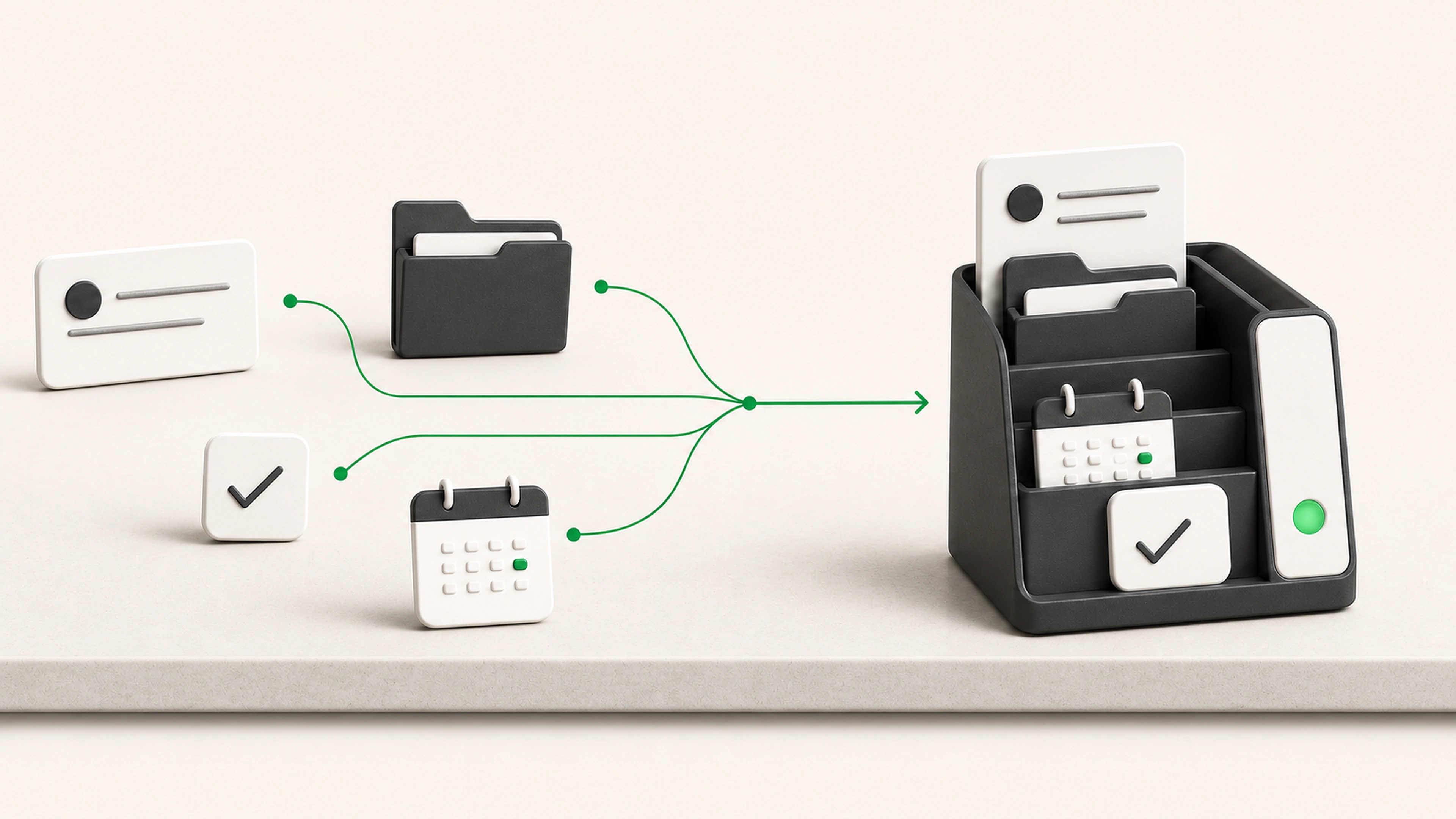
The business may have a CRM, inbox, spreadsheets, storage, and specialist software while the actual workflow still depends on tabs, messages, copied links, and individual memory.
People keep personal spreadsheets, bookmarks, notes, and message threads just to see what needs attention.
Status lives in one tool, documents in another, decisions in email, and the next task in someone’s memory.
Managers see delays, repeated exceptions, and broken handoffs only after they have already affected a deadline, customer, or result.
Show each role the information, actions, and queues needed to complete its part of the process.
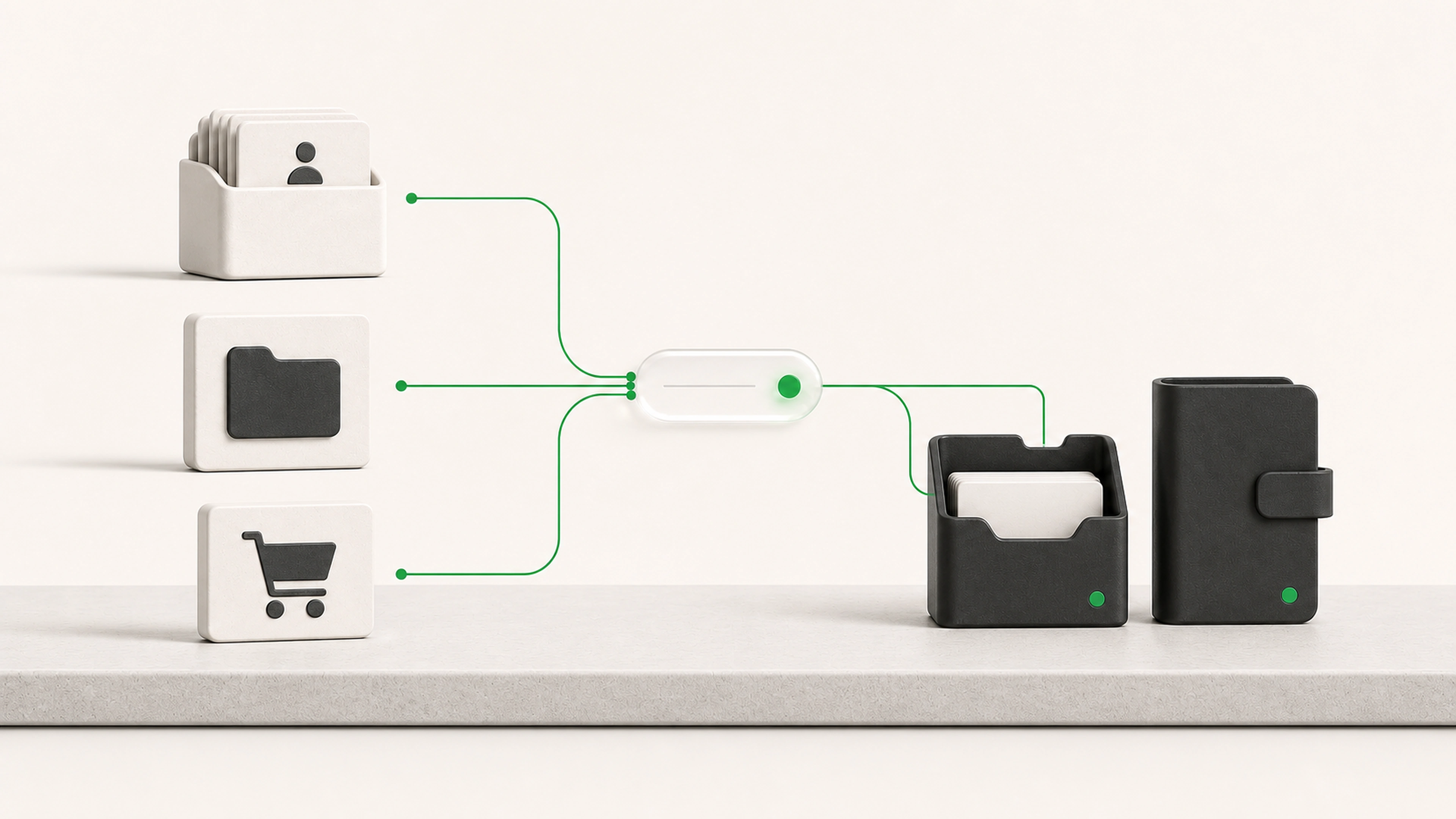
Bring useful records and actions together without asking staff to move between every tool manually.
Show where work waits, repeats, or breaks down so the team knows what to improve next.
The workspace brings intake, context, actions, decisions, and status into one role-aware view while existing systems continue doing their jobs.
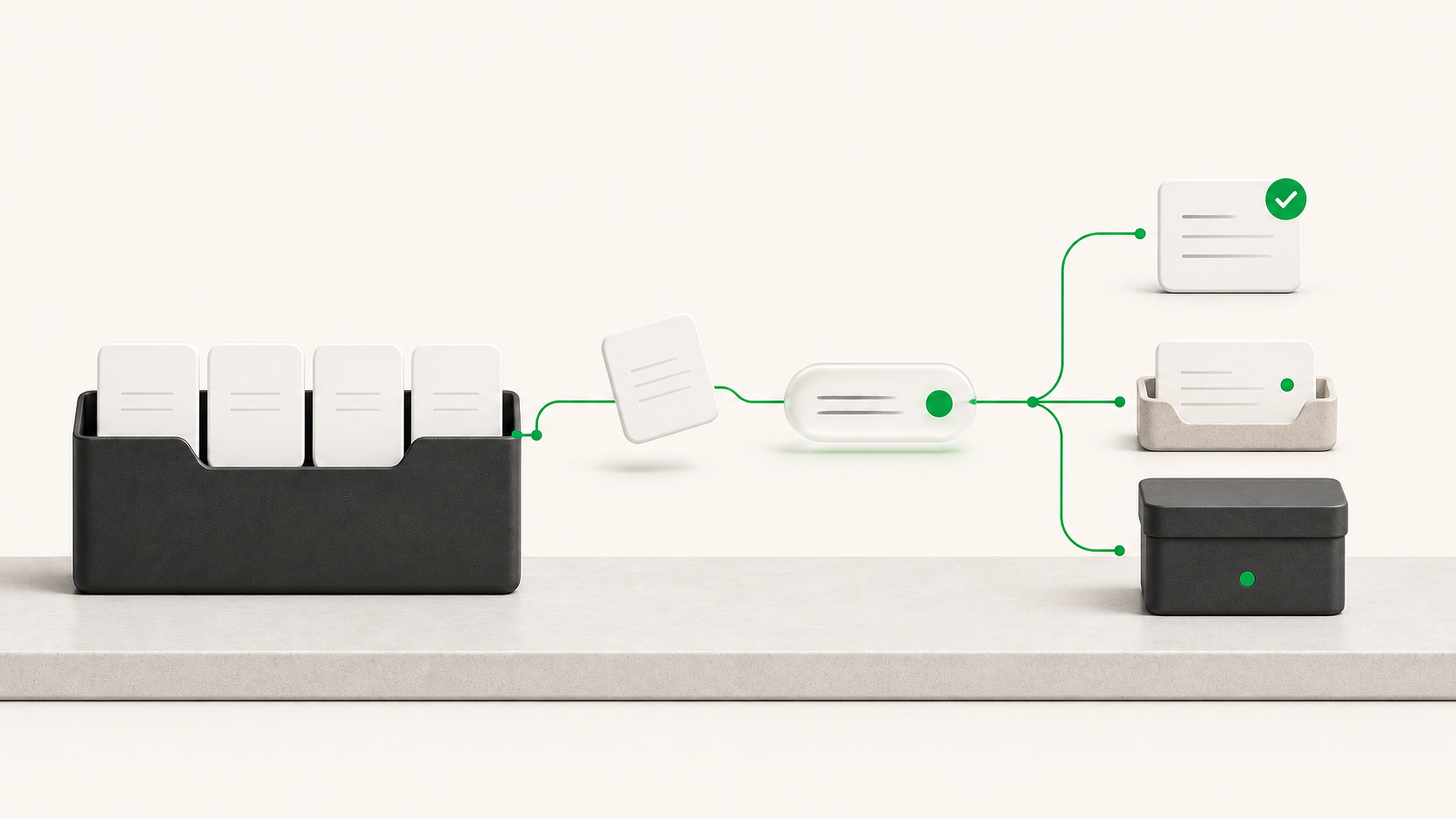
Forms, email, connected systems, documents, and staff entries create visible requests.
The workspace brings together the record, files, prior activity, ownership, deadlines, and current status.
Each role sees the checklist, fields, tools, and allowed actions needed for the current stage.
The system can organize data, draft documents, summarize activity, or run approved checks.
People inspect the request and evidence, then approve, change, route, or complete the work.
Approved results are written to the tools that own the record, document, communication, or next task.
Teams can see active work, waiting items, blockers, exceptions, decisions, and completed history.
The tool can simplify the working view while preserving role permissions, approval limits, sensitive information, and the sources of truth behind it.
Each role sees only the information and actions it needs.
Important decisions can require explicit approval.
Connected systems remain the source of truth where appropriate.
Sensitive data access can follow existing permissions.
Every material action retains its user, time, and context.
Role-based dashboards and work queues
Structured request and record views
Search across approved operational information
Assignments, ownership, due dates, and status
Document, note, and activity history
Checklists and guided next actions
Approval and review controls
AI-assisted summaries, drafts, and data preparation
Connections to email, CRM, storage, databases, and specialist tools
Operational views for waiting work, exceptions, and completion
Staff see the same current request, ownership, status, and next action without rebuilding the picture themselves.
The workspace retrieves useful context and sends approved results to the systems that own them.
Each stage shows who has the work, what is waiting, and what is blocking completion.
Exceptions, delays, rework, and common requests become easier to identify and improve.
We follow staff through the tabs, records, files, messages, decisions, and workarounds used to complete real requests.
We agree on users, roles, information, actions, permissions, source systems, and the result the tool must produce.
The first version supports a useful request from intake through a real completed result.
Staff use representative cases while we refine the screens, terminology, rules, and exception paths.
The tool launches with support, then expands only where another workflow or capability has a clear benefit.
Tell us what staff are trying to complete, where the information lives, and what they have to remember between systems. We will map a focused workspace that gives them the context and actions needed to finish the job.