The intake channel decides the owner
Work lands with whoever monitors the inbox, form, spreadsheet, or message thread instead of the right person.
We build routing workflows that classify incoming work, check the required information, and assign it using the rules your operation already follows. Ownership, priority, reassignment, and exceptions stay visible.
General business example loaded.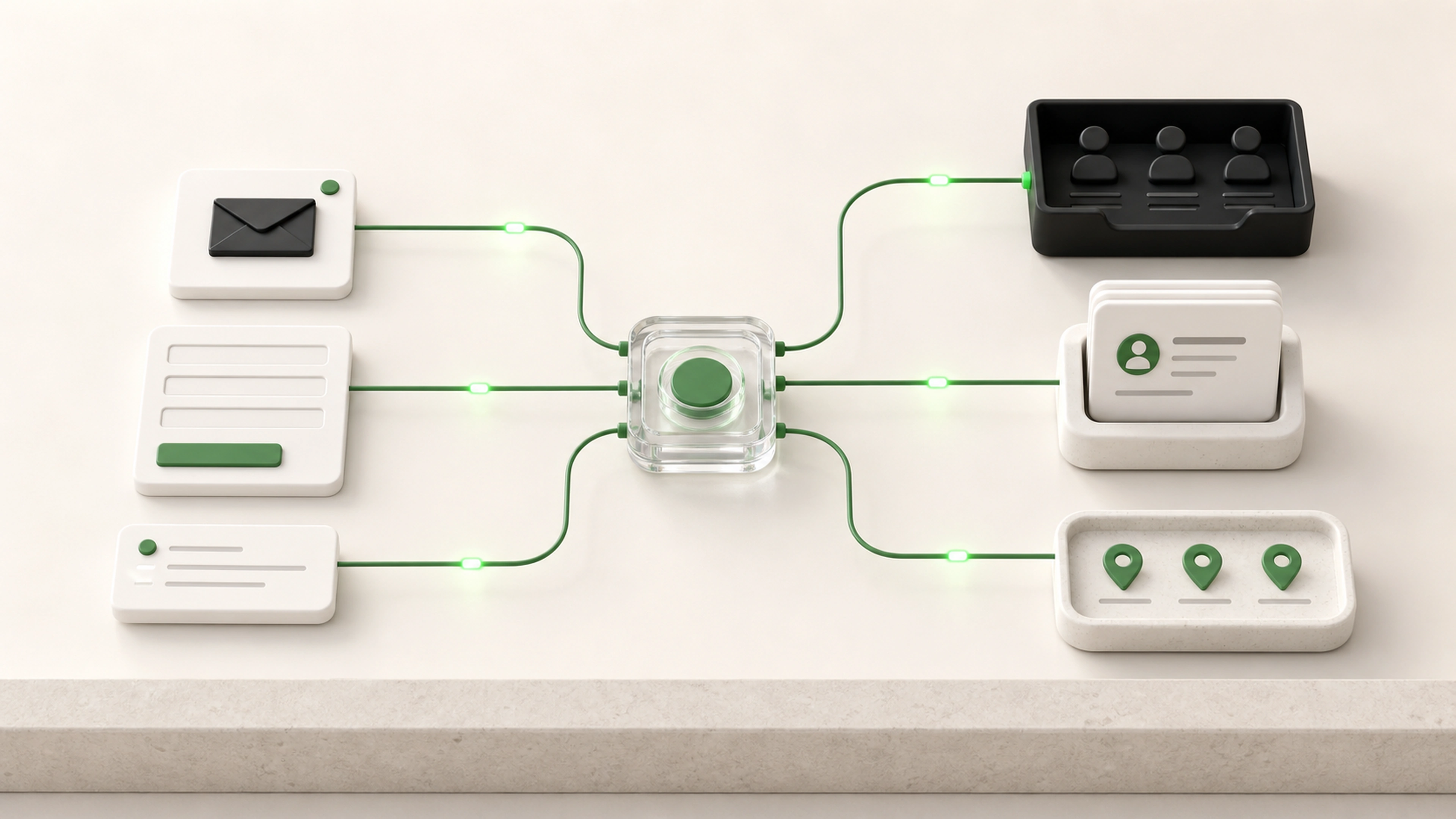
A request may arrive on time, yet still lose hours or days while people interpret it, forward it, check availability, and confirm who should take it.
Work lands with whoever monitors the inbox, form, spreadsheet, or message thread instead of the right person.
Service areas, account ownership, skill requirements, and exceptions are applied from memory.
A request is handed off without a clear reason, current status, or record of the earlier decision.
Route new work as soon as its type, customer, location, priority, and requirements are known.
Apply the same ownership and eligibility logic regardless of who happens to see the request first.
Show unassigned, blocked, and uncertain requests alongside the workload in each queue.
Each request is understood, checked, prioritized, matched to an allowed destination, and monitored through acceptance or reassignment.
A form, email, system event, document, staff entry, or other approved source creates the request.
The workflow captures the service, customer, project, location, deadline, required skills, and other details needed for routing.
Required information, duplicates, eligibility, dependencies, and blocking conditions are checked.
Agreed rules consider urgency, customer commitments, service impact, deadlines, and other business factors.
Ownership, skills, location, permissions, workload, schedules, and exception rules determine the route.
The owner receives the request with its source, useful context, due date, and required next action.
Unaccepted, blocked, reassigned, overdue, and uncertain work remains visible in shared queues.
Routing rules should reflect how the operation works without trapping requests in a rigid path when real conditions change.
Eligibility and ownership rules remain explicit.
Priority uses agreed business signals.
Low-confidence routing enters a shared review queue.
People can reassign work with a recorded reason.
Capacity and absence rules can prevent unsuitable assignment.
Route forms, emails, tasks, records, and document-based requests
Classify work by service, account, project, location, or request type
Check required details and routing eligibility
Set priority from agreed operational rules
Assign by ownership, role, skill, territory, or availability
Balance work across approved people or queues
Create due dates, notifications, and acceptance steps
Escalate unaccepted or overdue requests
Support reassignment with context and history
Show unassigned, blocked, waiting, and active work in shared views
Incoming work is evaluated and routed as soon as the necessary information is available.
Service, account, location, skill, priority, and capacity rules are applied consistently.
Unclear and unassignable requests become visible work instead of remaining in an inbox.
Each assignment and reassignment keeps the source, reason, prior owner, and current status.
We follow how work arrives, how staff interpret it, who can own it, and why it is reassigned.
We agree on required fields, destinations, eligibility, ownership, capacity, deadlines, and exceptions.
The first workflow routes a useful request type from intake through accepted ownership.
We check missing details, overlapping ownership, absence, overload, urgent work, and unusual requests.
Routine assignments happen faster while the team can inspect and correct uncertain routes.
Tell us how requests arrive, what determines ownership, and which exceptions cause delays. We will map the intake, classification, priority, assignment, and recovery path.