Requests reach approvers incomplete
Important fields, supporting files, comparisons, or prior decisions are found only after review begins.
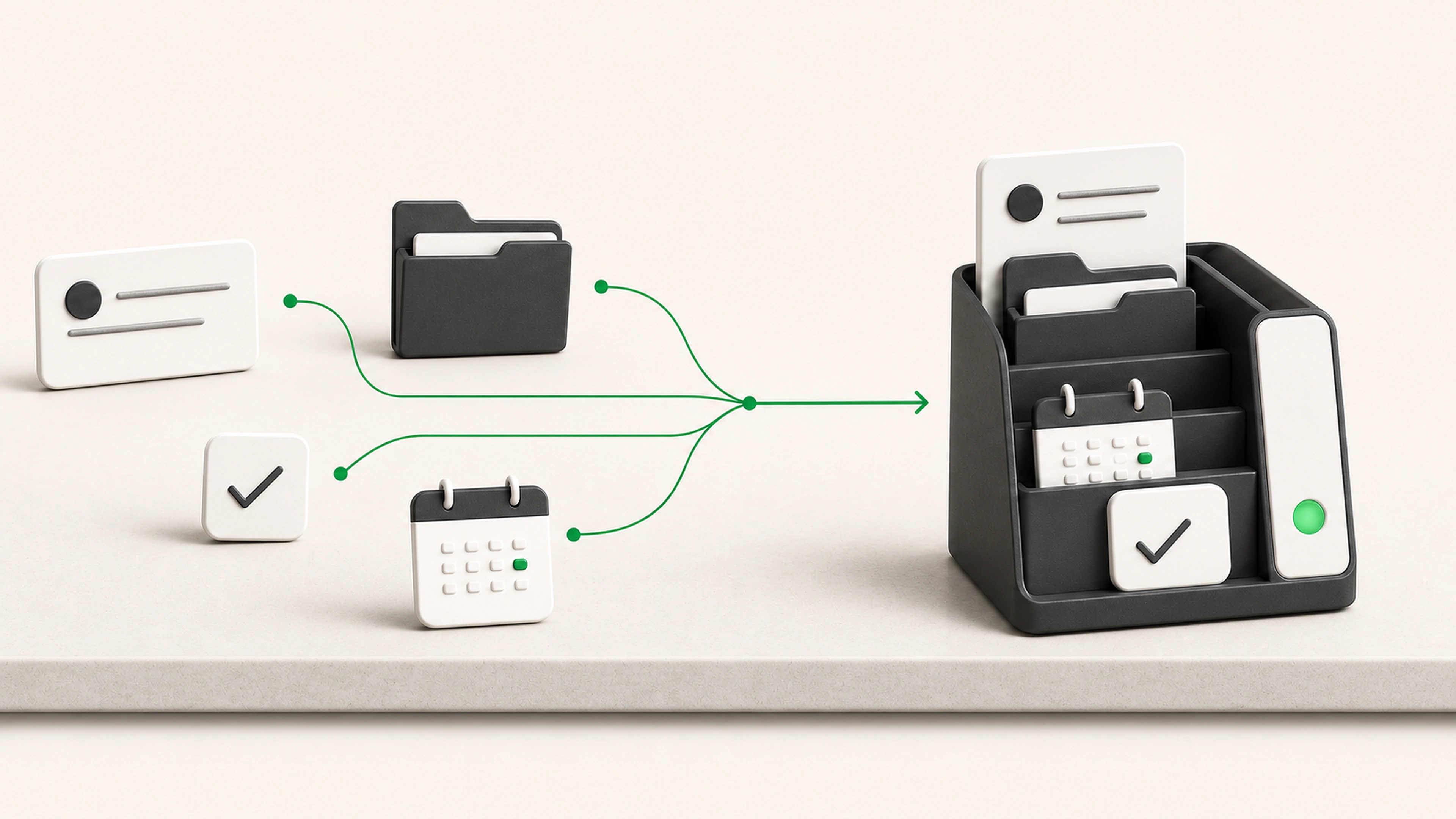
We build approval workflows that gather the request, supporting information, checks, and decision history in one place. Approvers see what matters, staff see what is waiting, and the approved next action is assigned or triggered with the decision record attached.
General business example loaded.
The request may be simple, but missing details, unclear authority, scattered attachments, and repeated status checks turn everyday decisions into slow coordination.
Important fields, supporting files, comparisons, or prior decisions are found only after review begins.
Staff forward the request through email and messages until someone accepts responsibility.
An approval is recorded in one place while the update, purchase, message, or next task happens somewhere else.
Check required details and supporting documents before the request reaches an approver.
Route each request by type, value, risk, department, role, or another agreed rule.
Keep the evidence, comments, conditions, reviewer, and approved action connected.
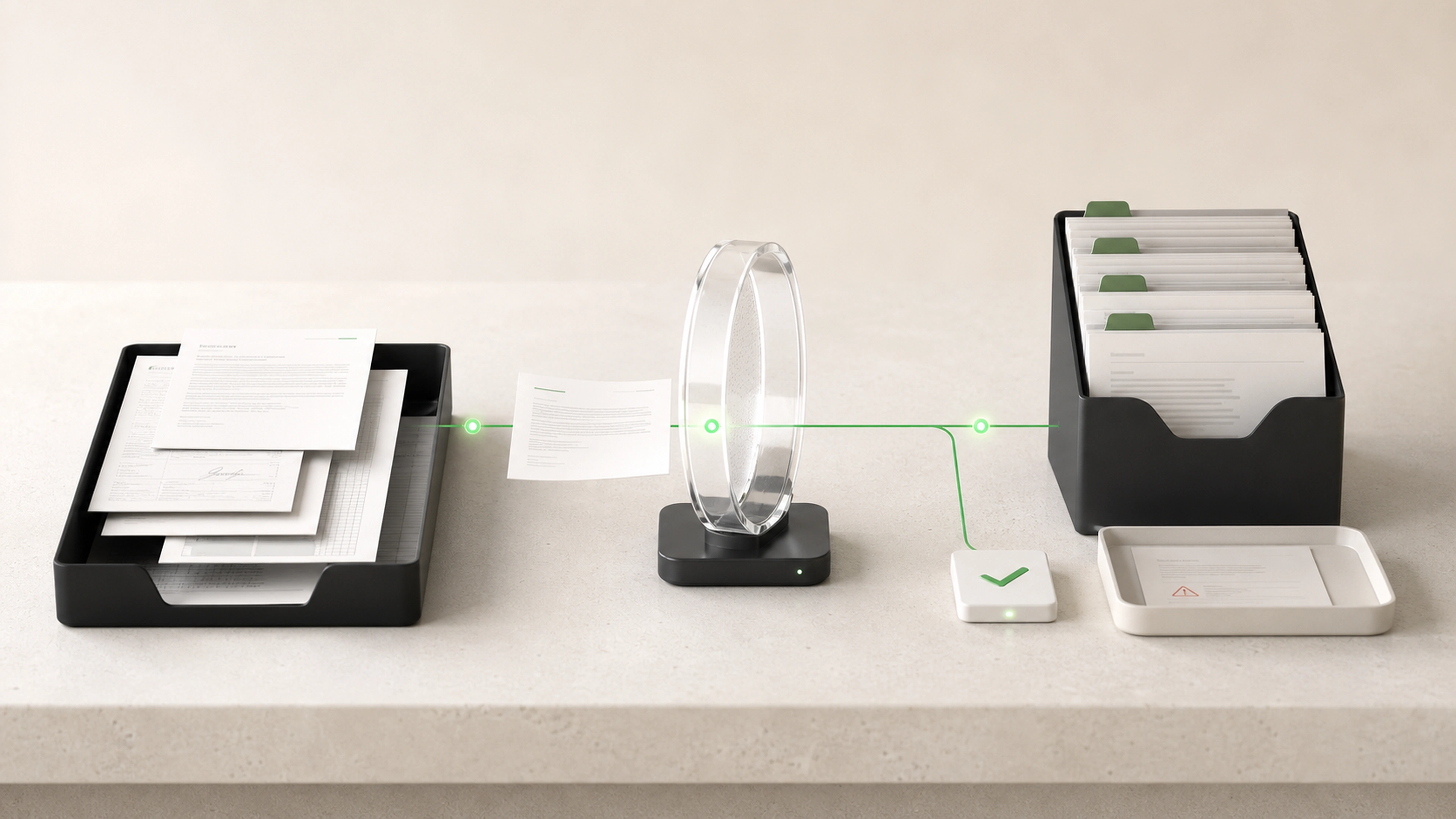
Each request is checked, prepared, routed, decided, and carried into the approved next action without losing its evidence.
A form, email, connected system, document, or staff entry creates the approval item.
Fields, attachments, authority limits, prior approvals, and basic eligibility rules are checked early.
The workflow gathers the request, supporting evidence, relevant history, comparisons, and a concise summary.
Rules determine the approver, required sequence, additional reviewers, and any special handling.
The approver can accept, reject, request changes, add conditions, or send the item to another allowed path.
The workflow updates a system, creates a task, generates a document, or prepares an approved communication.
The request, evidence, decision, reviewer, conditions, and completion status remain together.
The system organizes evidence, applies routing rules, and carries out approved next steps. It does not invent authority or bypass the people responsible for the decision.
Approval limits can follow role, value, department, or risk.
Sensitive requests can require multiple reviewers.
Approvers can request changes without losing the request history.
Delegation and absence rules remain explicit.
Approved actions retain the decision and supporting evidence.
Structured approval request forms
Required-field and supporting-document checks
Approval routing by role, value, type, location, or risk
Single, sequential, or parallel review paths
Prepared summaries and supporting evidence
Comments, questions, and change requests
Reminders and agreed escalation paths
Approval limits and delegated authority rules
Approved downstream updates and tasks
Searchable decision and activity history
Required information and supporting evidence are checked before they reach the approver.
Each request follows a defined decision path instead of being forwarded until someone responds.
Staff can see who has the decision, how long it has waited, and whether more information is needed.
Approved work continues through a clear next step with the decision record attached.
We trace the request, supporting information, reviewers, authority rules, questions, decision, and next action.
We agree on required fields, documents, checks, decision options, approval limits, and exception paths.
The first version handles a real request from intake through a recorded decision and useful next action.
We check missing information, delegation, rejection, requested changes, multiple approvers, and sensitive requests.
The team gains a shared queue, approvers receive better context, and every decision remains traceable.
Tell us what is being approved, what the decision-maker needs, and what should happen afterward. We will map the request, evidence, routing, authority, and completion path.