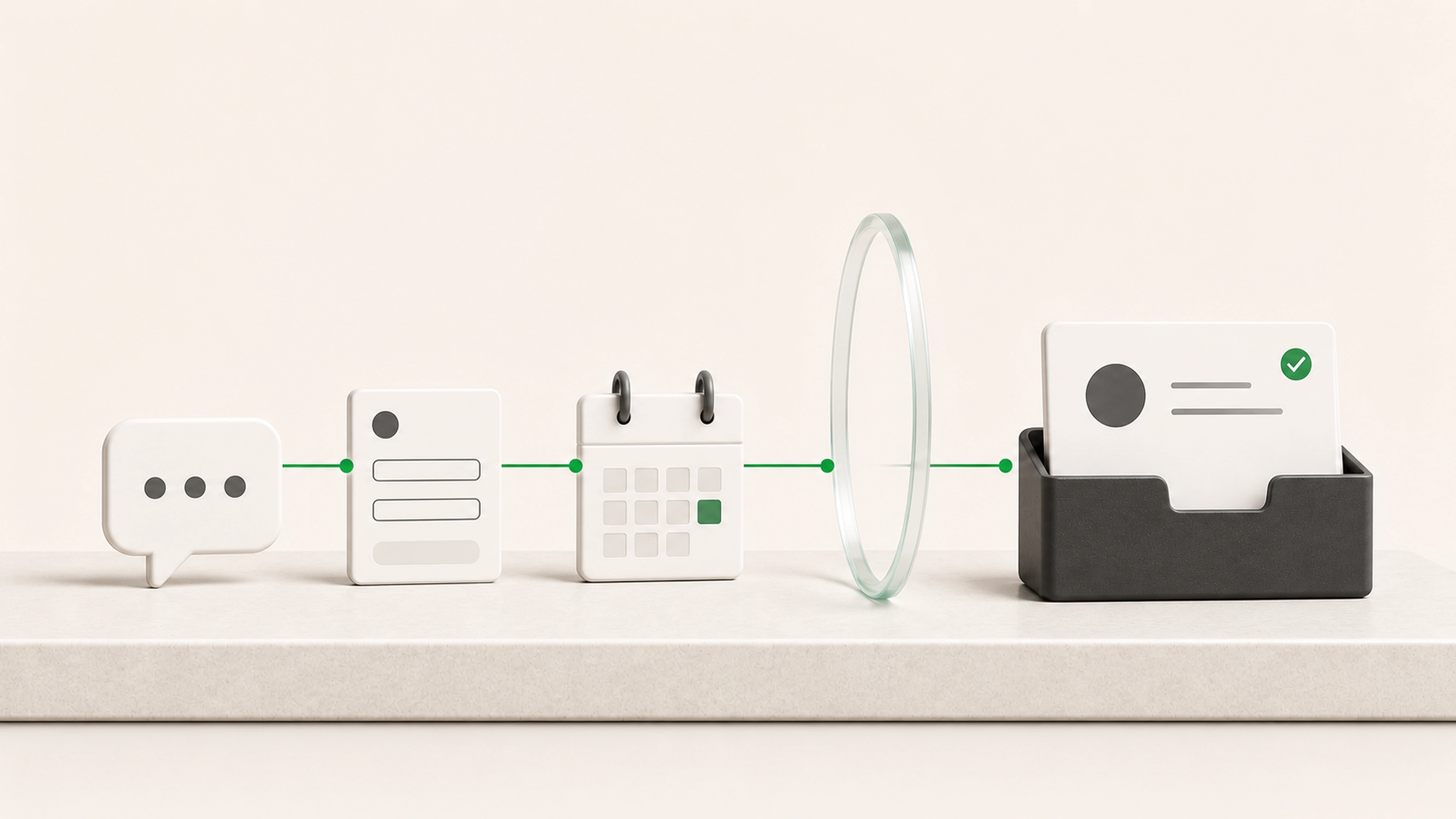
Next steps stay inside conversations
A promise made in a meeting or email never becomes a visible task with a clear owner.
We build follow-up workflows that turn requests, meetings, decisions, and incomplete work into next actions with an owner and due date. Drafts, reminders, approvals, and status stay connected to the activity that triggered them.
General business example loaded.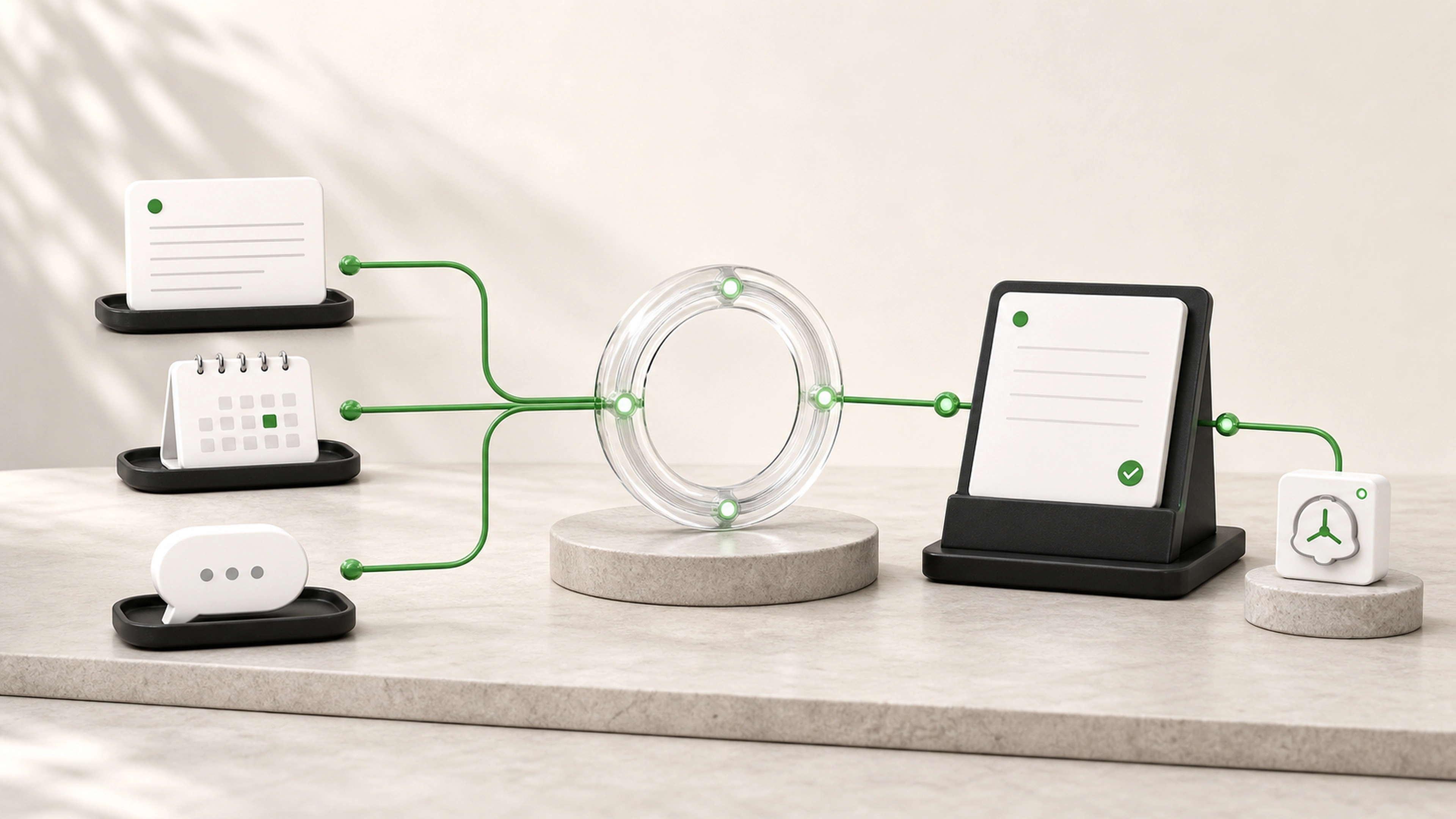
What needs to happen is usually known. The trouble is turning it into an owned task, due date, and message before the context gets buried.
A promise made in a meeting or email never becomes a visible task with a clear owner.
Someone knows a follow-up is due but has to search across systems to understand what to say or do.
Staff repeatedly reconstruct confirmations, requests for information, status updates, and gentle reminders.
Prepare the next action when a message, meeting, status change, or review makes it necessary.
Give every follow-up an owner, due date, source context, and visible status.
Keep sensitive or uncertain messages as drafts until the right person approves them.
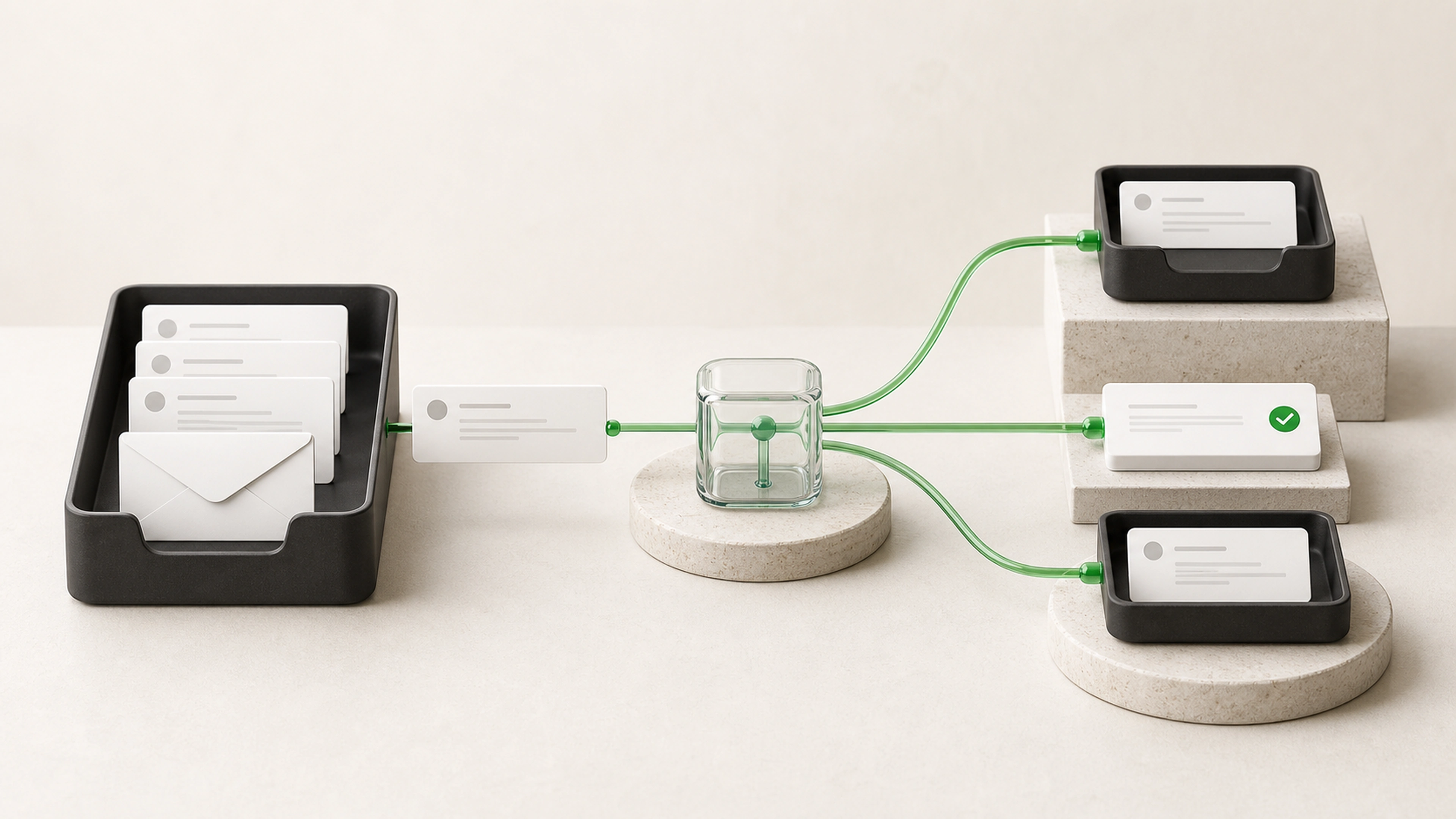
The workflow detects an agreed event, gathers its context, prepares the next step, and keeps the result visible until it is complete.
A meeting ends, a request arrives, a status changes, information remains missing, or an agreed period passes.
The workflow retrieves the related customer, request, prior messages, decision, owner, and current status.
Rules determine whether the item needs a task, reminder, reply draft, internal handoff, or escalation.
The system creates the task or draft using approved wording, details, links, and timing.
Customer-sensitive messages, unusual situations, and important commitments wait for the right person.
The approved message is sent or the next action reaches its owner with the supporting context attached.
Replies, completed work, delivery failures, overdue items, and any further follow-up remain visible.
The workflow can prepare routine next steps without sending an unsuitable message or creating commitments your team did not approve.
Customer-facing communication can remain a draft.
Approved templates can vary by request type and stage.
Sensitive accounts and topics can always require review.
Frequency limits can prevent excessive reminders.
Every action retains the event and information that prompted it.
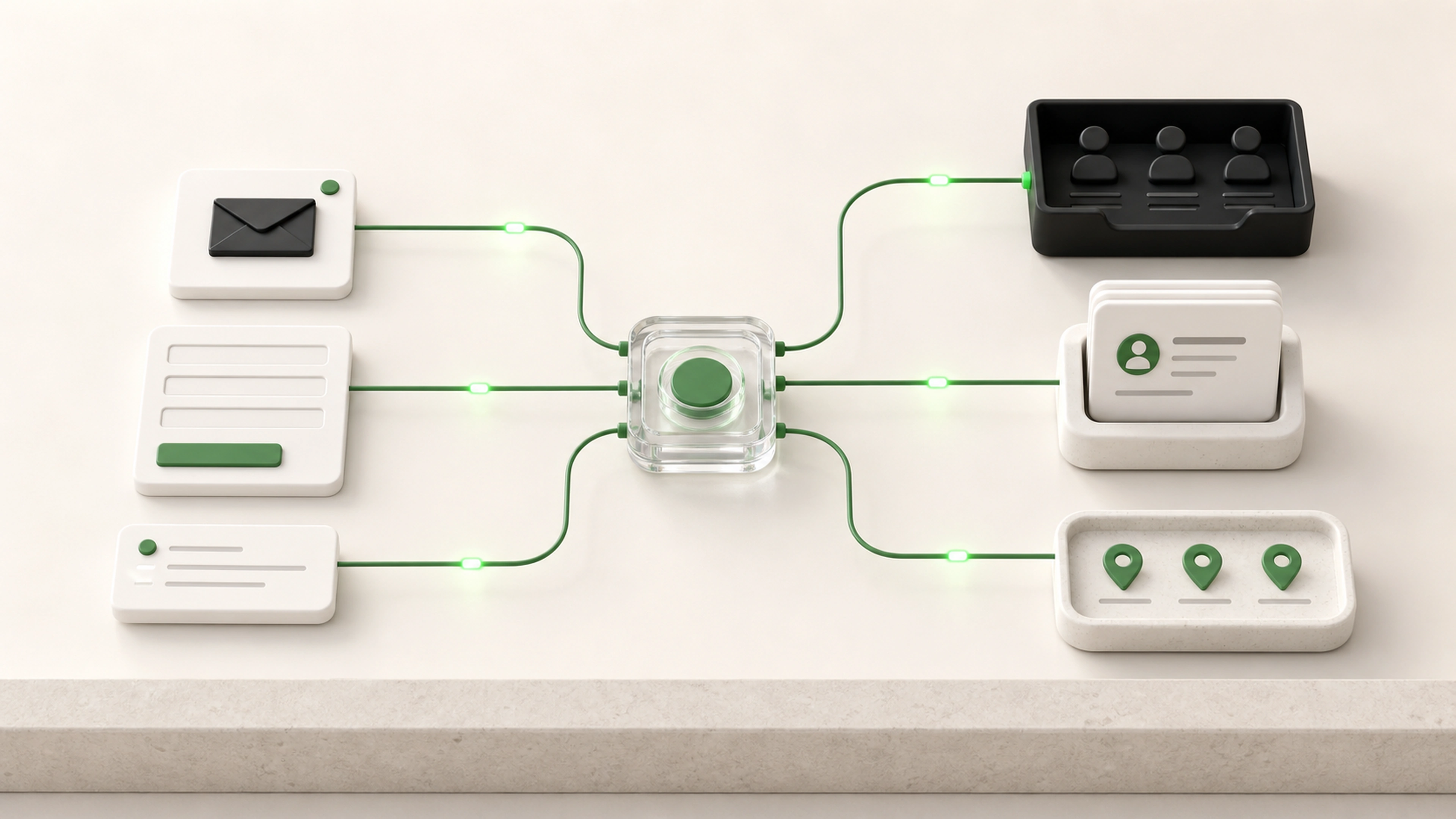
Create follow-up from meetings, forms, emails, and status changes
Prepare reply drafts using approved context and wording
Request missing documents or information
Create tasks with an owner and due date
Schedule reminders from agreed business rules
Route next steps by customer, service, stage, or responsibility
Escalate overdue or unanswered items
Pause or change follow-up when a reply arrives
Record completed actions and customer responses
Surface a shared queue of upcoming, overdue, and blocked follow-ups
Decisions and commitments create a clear action while the context is still available.
Staff review useful drafts instead of rebuilding common follow-up from the beginning.
The team can see what is waiting, who owns it, and why it has not moved.
Replies and completed actions update the follow-up state instead of leaving stale reminders behind.
We follow the event that creates the follow-up, the person responsible, the message or task, and the final outcome.
We agree on triggers, ownership, due dates, approved wording, review needs, and stopping conditions.
The first workflow handles a real next action from trigger through reply or completion.
We check ordinary follow-up, missing context, customer replies, overdue items, and situations that should pause.
Routine work moves faster while sensitive communication and unusual cases remain with the team.
Tell us what event should create the next step, who owns it, and what a completed result looks like. We will map the timing, context, review, and tracking needed to keep it moving.