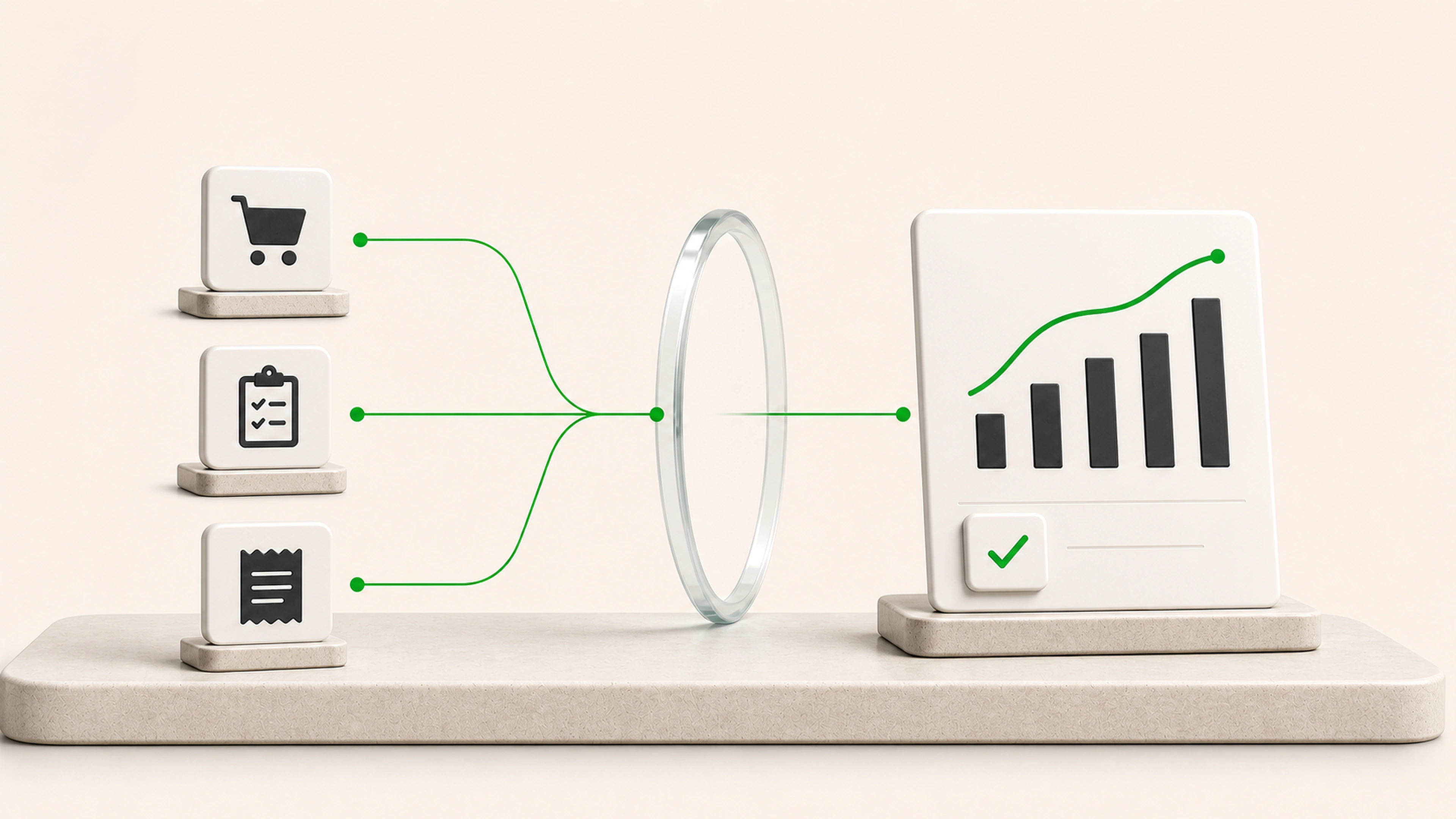
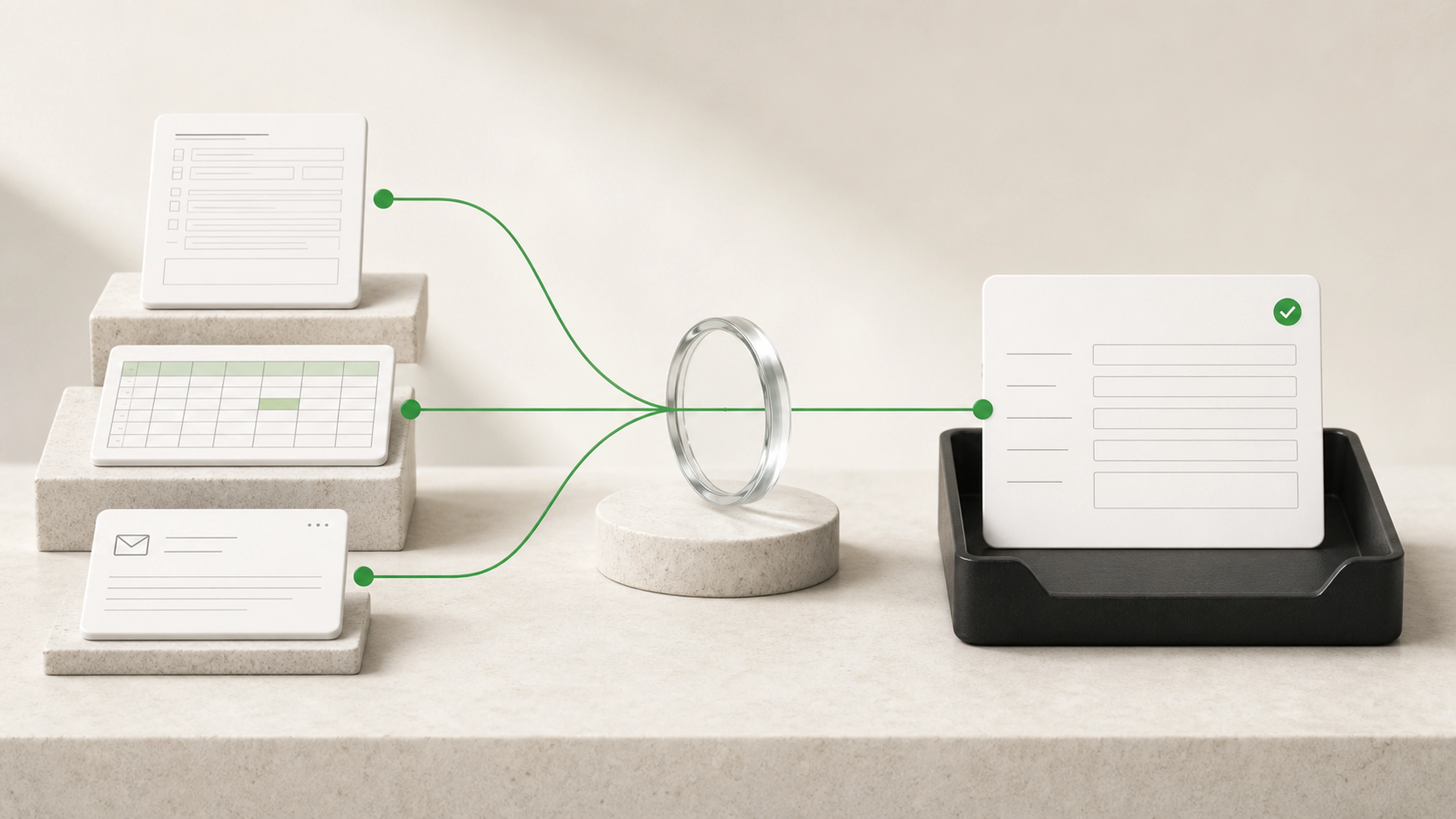
Inputs arrive late and in different formats
Each contributor uses a slightly different file, date range, label, or reporting structure.
We automate the collection, cleanup, calculations, tables, and written context behind recurring business reports. Your team receives a review-ready draft with the sources and exceptions still visible.
General business example loaded.
When inputs arrive through spreadsheets, exports, messages, and personal files, every reporting period begins with another search for the same information.
Each contributor uses a slightly different file, date range, label, or reporting structure.
Staff rename columns, remove duplicates, align categories, and repair formulas before analysis can begin.
Reviewers see the result but cannot quickly inspect the records, assumptions, or exceptions behind it.
Run the same collection, cleanup, calculation, and presentation steps each reporting period.
Keep source files, refresh times, calculations, and exceptions connected to the final report.
Spend review time checking unusual results and explaining what changed instead of rebuilding tables.
Approved sources move through collection, normalization, checks, calculation, assembly, and final review on a repeatable schedule.
The workflow retrieves system exports, spreadsheets, forms, databases, or other agreed reporting sources.
Dates, entities, locations, teams, and required source files are checked before preparation begins.
Columns, categories, identifiers, currencies, dates, and naming differences are made consistent.
Missing sources, duplicates, invalid values, unexpected totals, and stale data are flagged.
Defined formulas, comparisons, targets, totals, and period changes are applied consistently.
Tables, charts, supporting detail, and draft commentary are placed into the agreed structure.
A person checks the report and exceptions before the approved version reaches its audience.
The reporting workflow follows approved sources and calculations. People remain responsible for unusual results, business context, and the final message.
Every metric can retain its source and refresh time.
Formula and mapping changes are documented.
Missing or stale inputs stop or qualify the report.
Unexpected values enter a review queue.
Distribution can require final approval.
Collect recurring exports, spreadsheets, forms, and database results
Check whether every required source has arrived
Normalize columns, categories, dates, and identifiers
Remove duplicates and flag data-quality problems
Apply approved calculations and business rules
Compare periods, targets, locations, teams, or service lines
Build consistent tables and charts
Prepare concise commentary about material changes
Generate review-ready files or internal dashboards
Archive each report with its sources, checks, and approval history
Required sources are collected, checked, and tracked without repeated requests for the same files.
The same mappings, formats, and validation rules run each period.
Reviewers see missing data and unusual results without repeating every mechanical step.
Each number can be followed back to its source, calculation, and review history.
We follow the report from source collection through cleanup, formulas, review, and distribution.
We agree on reporting periods, field mappings, formulas, quality checks, and approval requirements.
The first version produces a real review-ready report from representative inputs.
We test totals, edge cases, missing sources, late inputs, and known historical examples.
The workflow runs on schedule while the team reviews exceptions and improves the rules over time.
Bring the current report, its source files, and the steps used to prepare it. We will map the collection, cleanup, calculations, checks, and review behind a dependable reporting workflow.